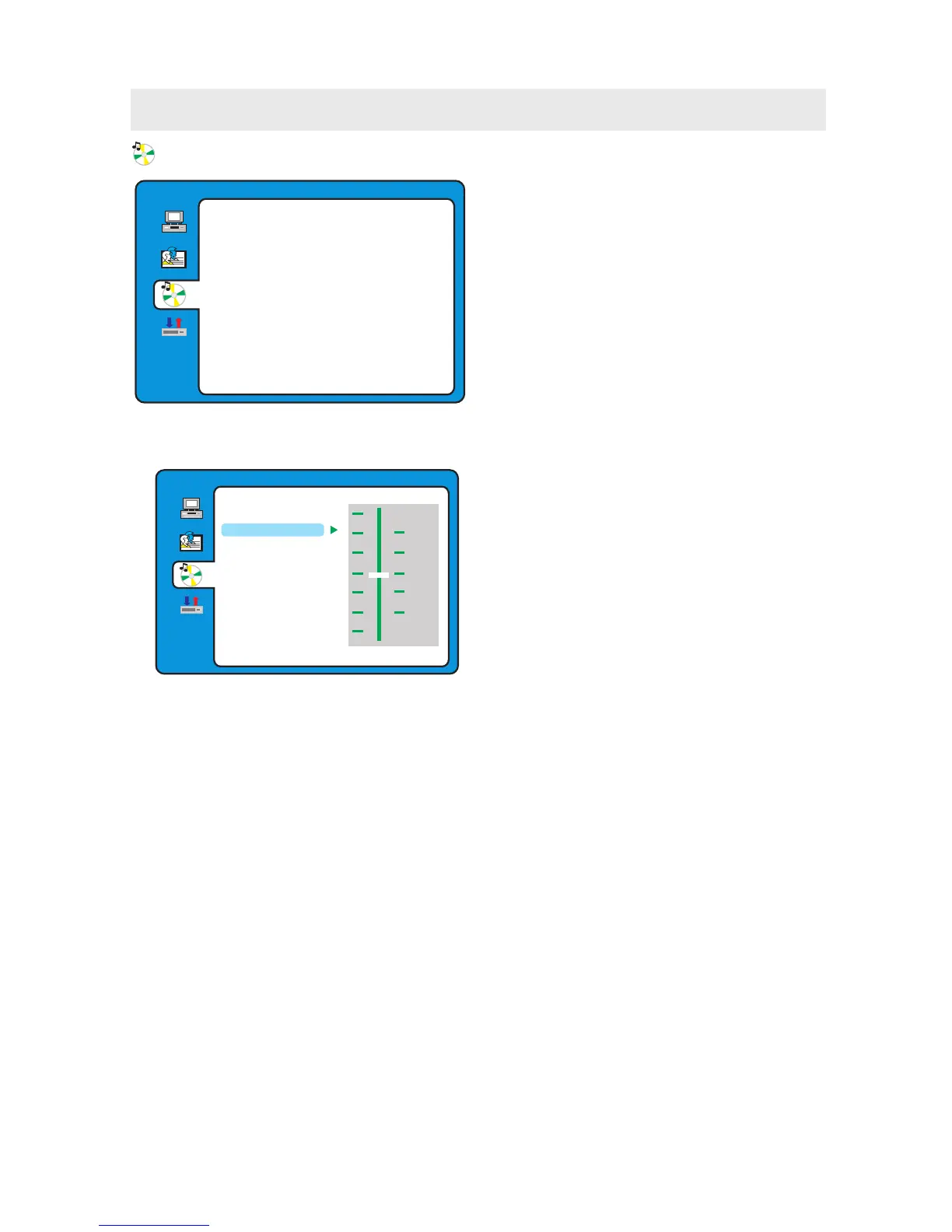
TONE
Use the ▲ and ▼ buttons to adjust the Tone setting.
AUDIO SETUP
EXIT SETUP
TONE
b
+ 4
+ 2
+ 0
- 2
- 4
#
AUDIO SETUP
EXIT SETUP
TONE
CUSTOMIZING THE DVD FUNCTION SETTINGS
AUDIO SETUP
1. Press the D.SETUP button to activate the DVD
player OSD menu.
2. Use the ▲ or ▼ button to select the
AUDIO SETUP menu, then press the
► button to enter the setting.
3. Use the ▲ or ▼ button to select the options
(Audio Out, Tone, Exit Setup) ,
then press the ► button to enter into
for detailed options and adjust them using
the ▲ or ▼ buttons.
4. Press the ◄ button to return to previous
menu, repeat step 3 to adjust other settings.
5. Press the D.SETUP button to exit the OSD menu,
or move the highlight to EXIT SETUP then press
the ENTER button to exit.
31



 To Next Page