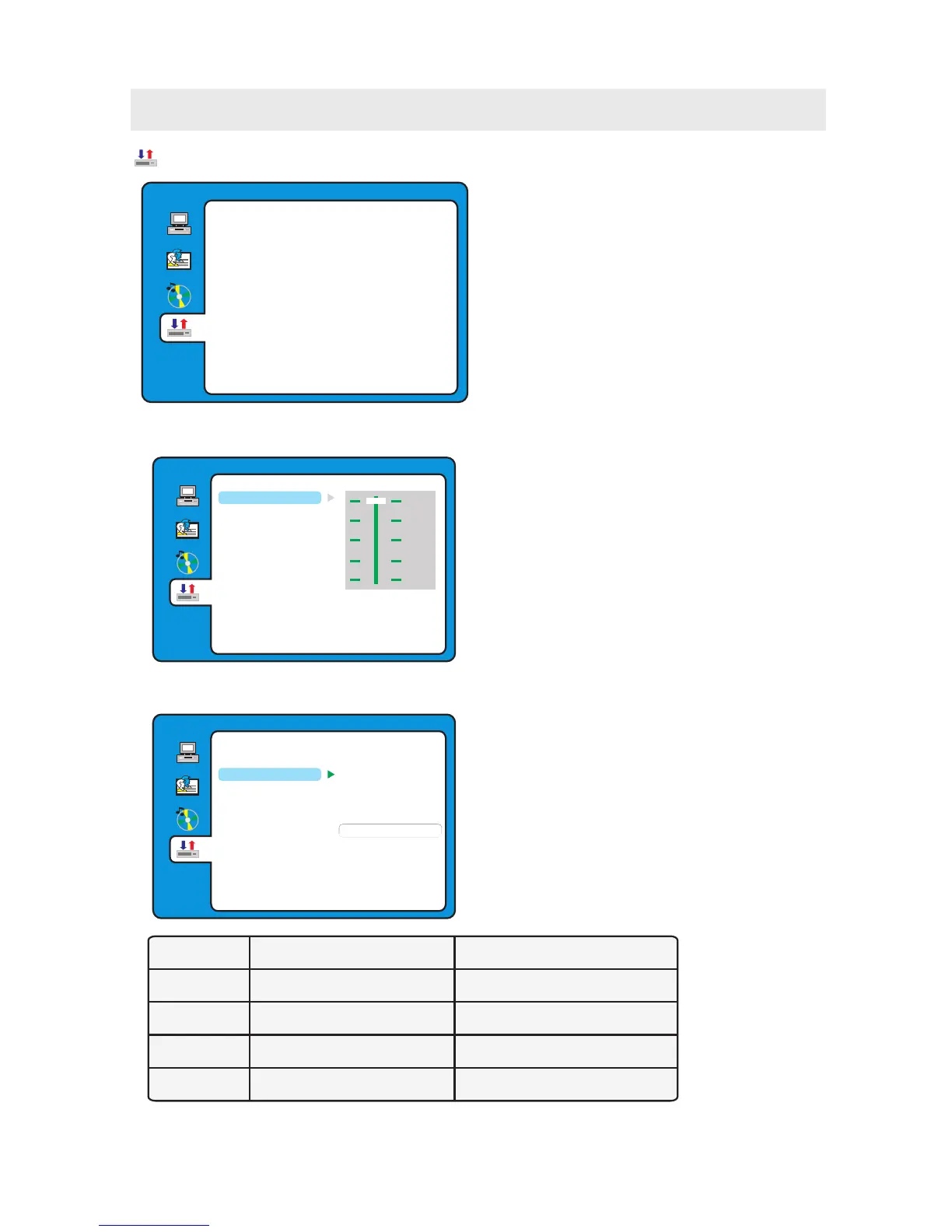
MODE LEFT SPEAKER RIGHT SPEAKER
STEREO STEREO-L STEREO-R
L-MONO L-MONO L-MONO
R-MONO R-MONO R-MONO
MIX-MONO L-MONO+R-MONO L-MONO+R-MONO
DYNAMIC RANGE
When switch the compress mode to
“Audio output”, adjust the compressed ratio
for different effect.
When selected FULL, the peak signal value
is smallest.
When selected OFF, the peak signal value
is highest.
DUAL MONO
You can select four different audio output,
STEREO, MONO L, MONO R, MIX MONO.
The audio out description of these
selections is shown in the table below.
Dolby Digital Setup
DIGITAL SETUP
EXIT SETUP
MIX MONO
MONO R
MONO L
STEREO
DYNAMIC RANGE
DUAL MONO
FULL
OFF
6 / 8
4 / 8
2 / 8
DIGITAL SETUP
EXIT SETUP
DUAL MONO
DYNAMIC RANGE
CUSTOMIZING THE DVD FUNCTION SETTINGS
DIGITAL SETUP
EXIT SETUP
DUAL MONO
DYNAMIC RANGE
DIGITAL SETUP
1. Press the D.SETUP button to activate the DVD
player OSD menu.
2. Use the ▲ or ▼ button to select the
DIGITAL SETUP menu, then press the
► button to enter the setting.
3. Use the ▲ or ▼ button to select the options
(Dynamic Range, Dual Mono, Exit Setup) ,
then press the ► button to enter into
for detailed options and adjust them using
the ▲ or ▼ buttons.
4. Press the ◄ button to return to previous
menu, repeat step 3 to adjust other settings.
5. Press the D.SETUP button to exit the OSD menu,
or move the highlight to EXIT SETUP then press
the ENTER button to exit.
32



 To Next Page