7 Setup (Settings)
Set parameters for
• Recording time windows (delays), triggers
• GPS, backlight, time zone and audio
• SD card and parameter file
7.1 Operation
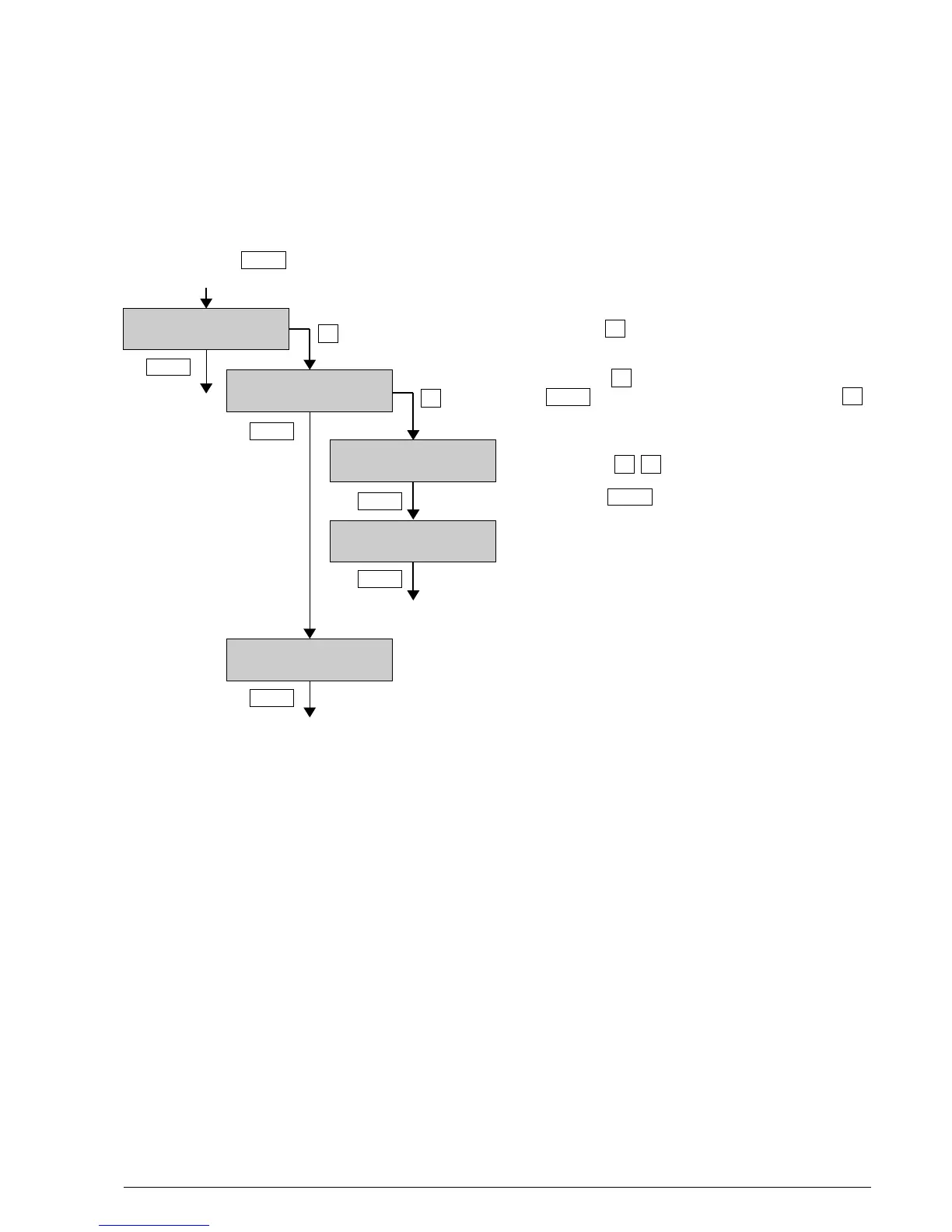
Proceed with key in the main menu to ”Setup?”
With the key into the submenu of ”Setup”.
With the key into the submenu or with the
key to the next menu item or with the key
to the last menu item.
With the keys value can be changed.
With the key to the next parameter.
To exit the setup menu the last menu item („Exit Setup“) must be selected.
BATLOGGER Manual Elekon AG Nov. 2012 15/28
« »
»
(Changing Info-Line)
Setup? >
Setup X/Z
Submenu X >
Parameter = X < >
»
»
Menu
Menu
Menu
Menu
Menu
Menu
»
Parameter = Y < >
Menu
Setup Y/Z
Submenu Y >
Menu
...
...
«



 To Next Page