P220 Stationary Barcode Scanner User Manual 35
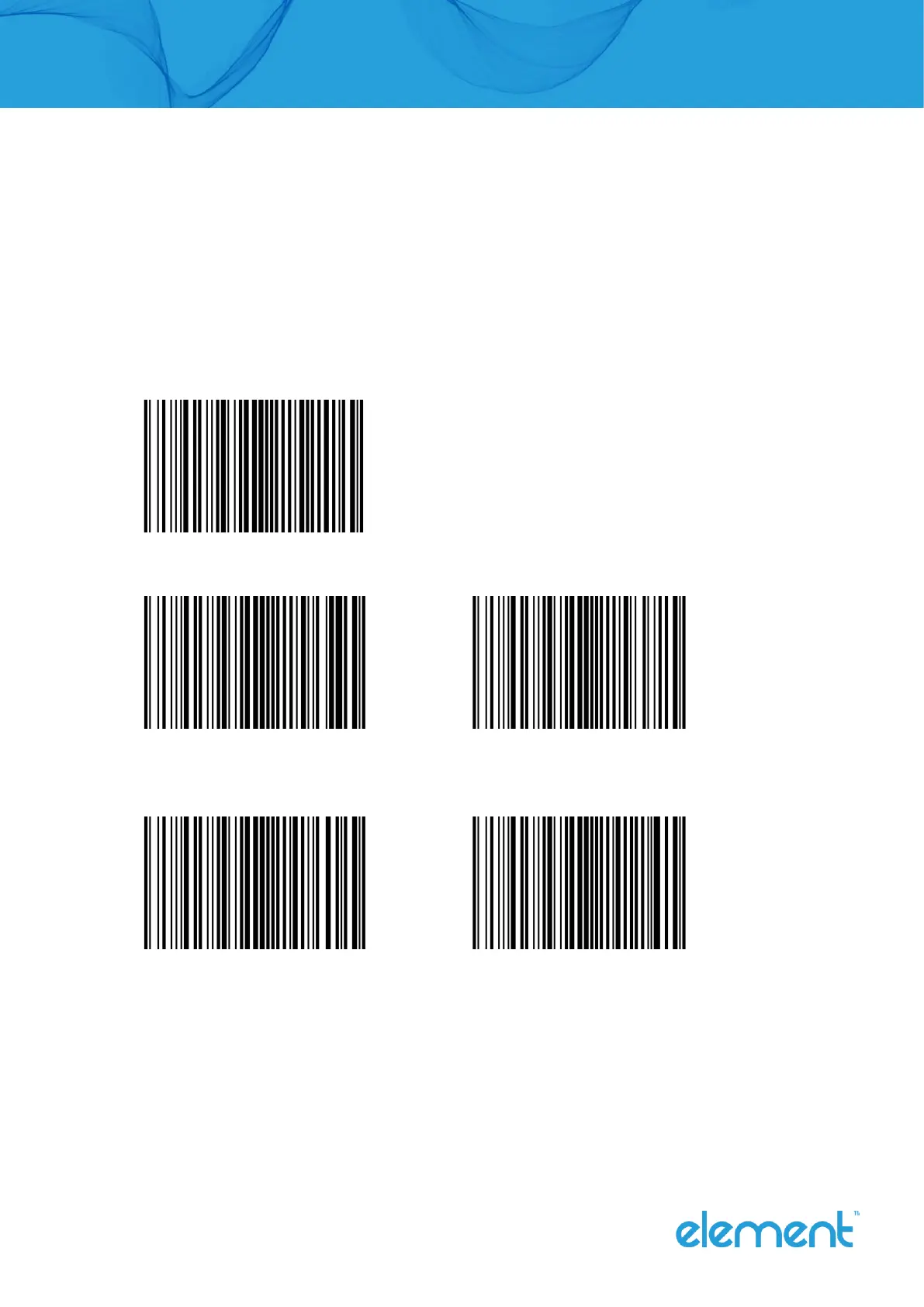
Check Setting
The check characters can not to be contained in Code 11 barcode data. If there is a check bit, it can
be the last 1 or 2 characters of the data. The check bit is a value calculated based on all data to check
that if the data is correct. Therefore, when set to “no check”, the recognizing function can transmit all
barcode data normally.
Setting whether to check
No Check (Default)
1-bit check 2-bit check
Set whether to transmit the check-bit
Transmit No Transmit (Default)



 To Next Page