P220 Stationary Barcode Scanner User Manual 41
● Codabar
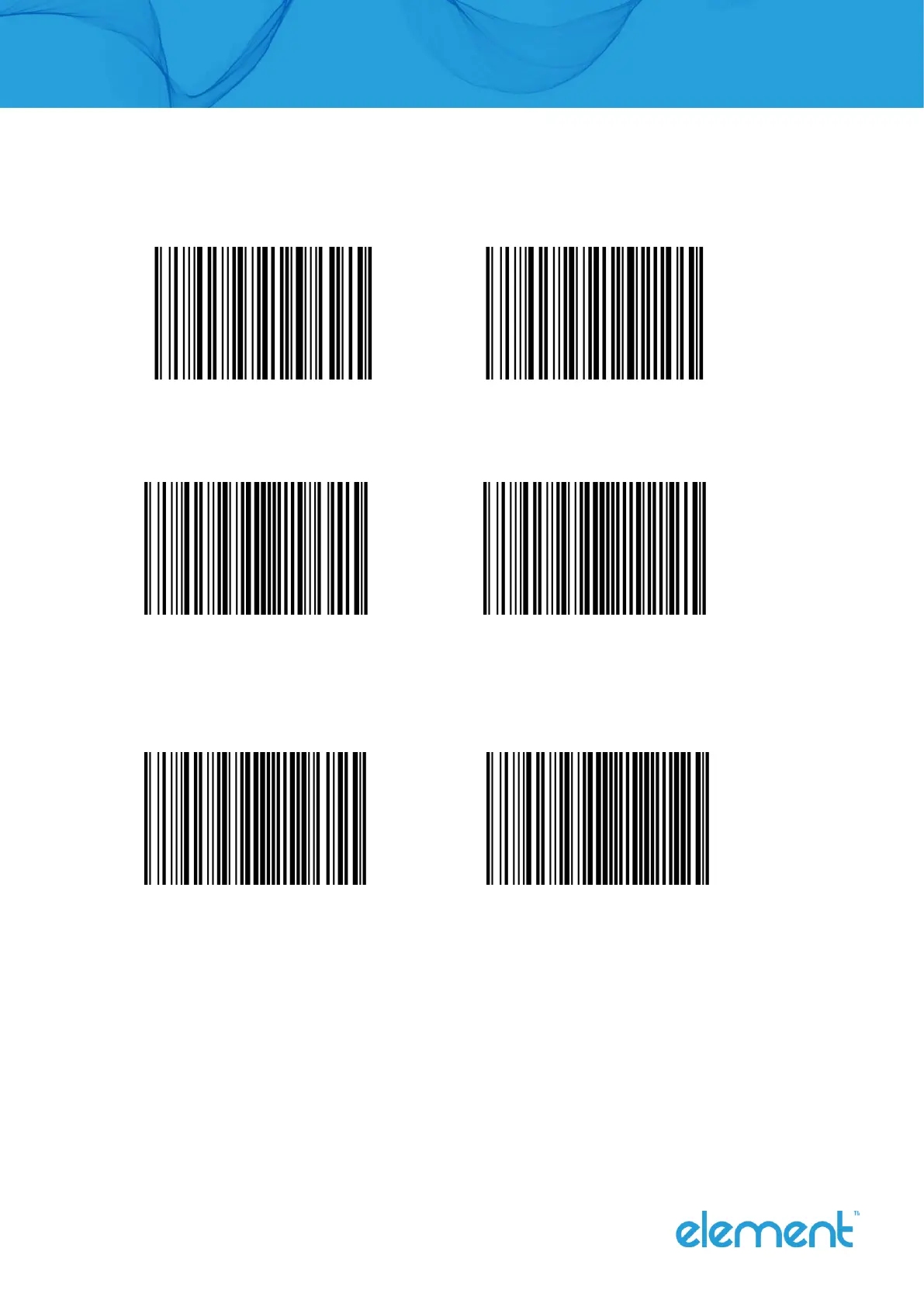
Enable/disable recognize Codabar
Enable Codabar (Default) Disable Codabar
Start and end characters setting
Enable CLSI Disable CLSI (Default)
Enable this parameter to remove the start and end characters and insert space after the first,
fifth, and tenth characters of the 14-character Codabar barcode.
Enable NOTIS Disable NOTIS (Default)
Enable this parameter to remove the start and end characters.



 To Next Page