P220 Stationary Barcode Scanner User Manual 40
● Code 128
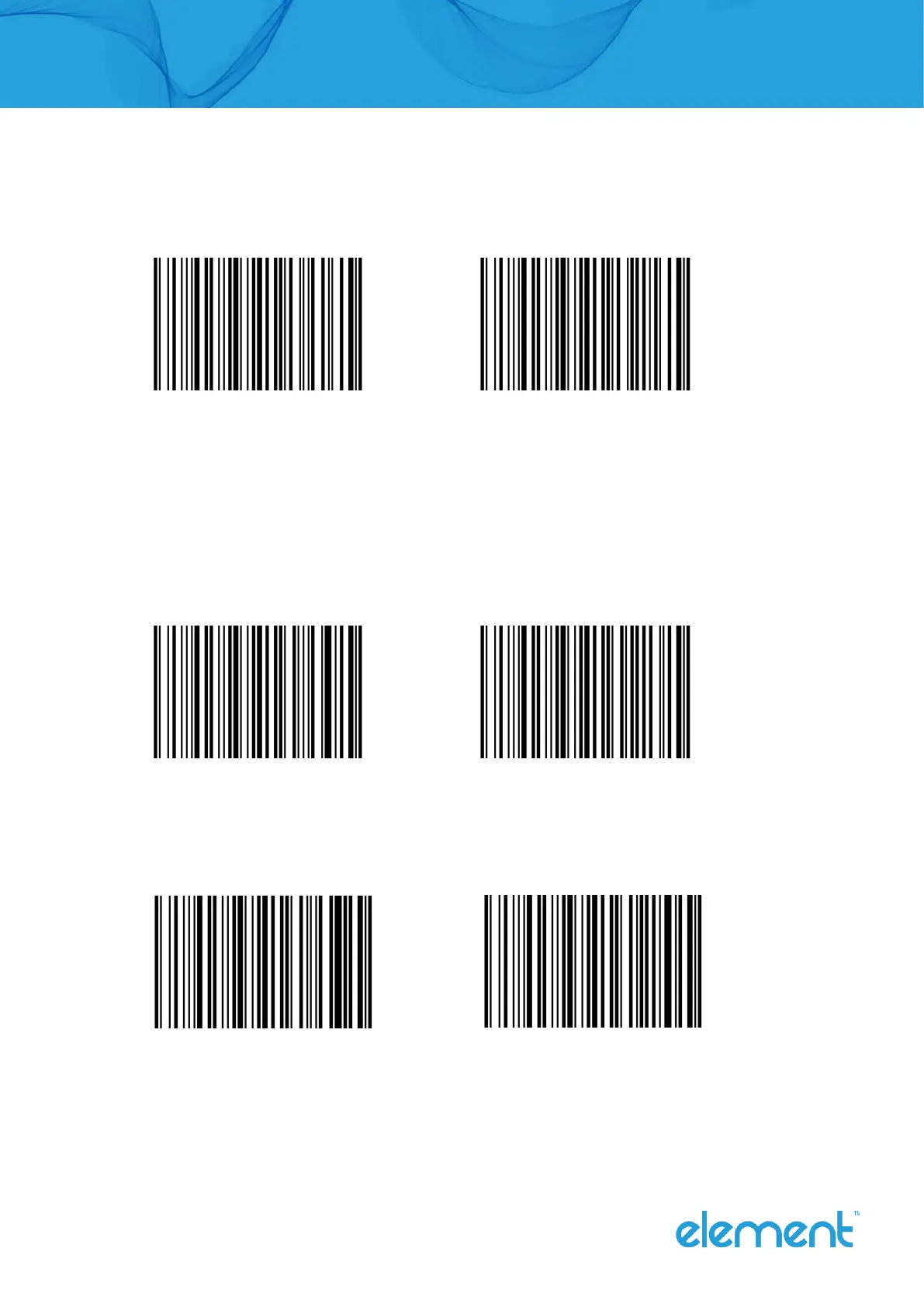
Enable/disable recognize code 128
Enable Disable (Default)
Note: If the setting is disable recognize this barcode, the scanner will not be able to scan the
code to switch the corresponding function settings.
● GS1 128
Enable/disable recognize GS1 128
Enable (Default) Disable
● ISBT 128
Enable/disable recognize ISBT 128
Enable (Default) Disable



 To Next Page