User Manual V3.1
Element14 | element14.com/minode 18
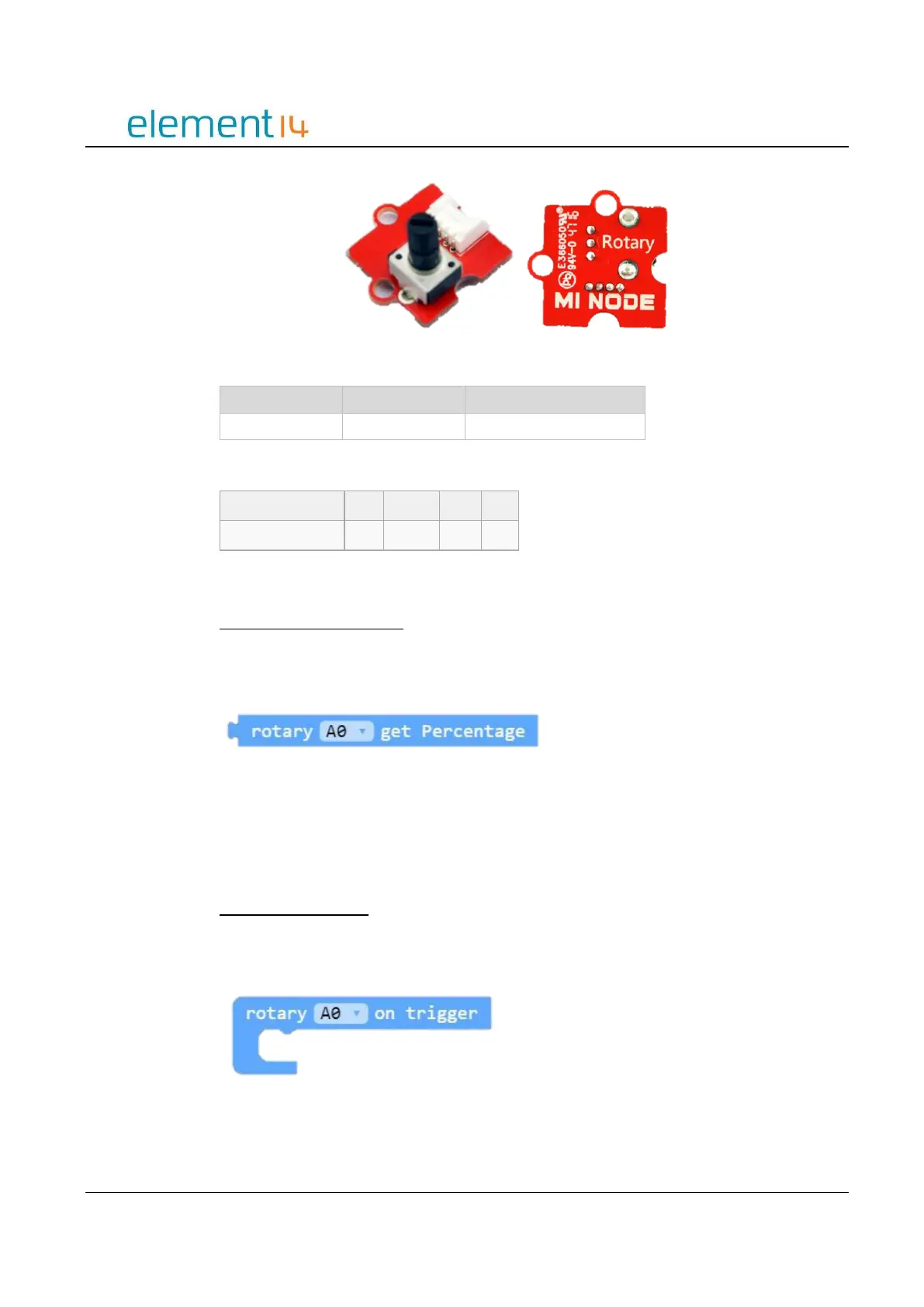
Image 3.4d – Rotary Module
Electrical Characteristics
Block API
Obtain the Rotary Position
Determine the current rotary position, the percentage of how much the rotary dial has
been rotated from its zero position.
Function
RotaryGetPercentage(connName: AnalogConnName): number;
Parameters
‘ConnName’ is the analog connector's name.
Rotary Position Event
Check the angle of the rotary dial periodically and then execute the associated code block
when a dial change occurs.
Function
onRotaryEvent(connName: AnalogConnName, body: () => void): void;



 To Next Page