DISPLAY PANEL – DASHBOARD
The main dashboard displays essential information
about the settings. The colours of the upper bar
correspond to the group number:
Blue for Group 1
Orange for Group 2
Red for Group 3
Green for Group 4
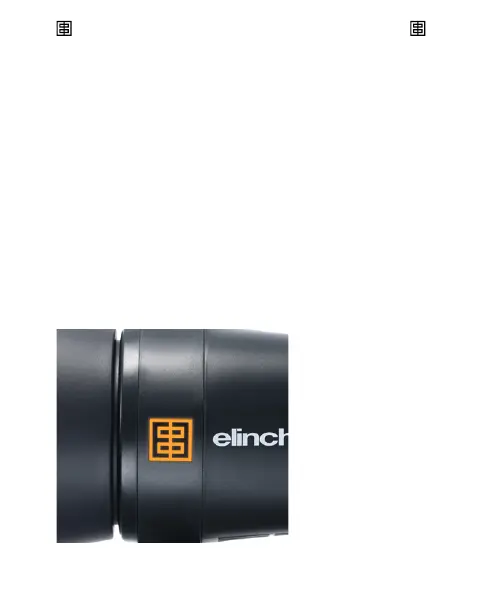
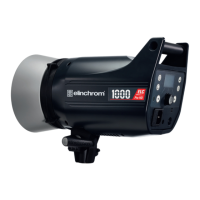
The dedicated Group colour is visible at the illuminated
Elinchrom side logos and on the display.
It is possible to switch between black or white menu
background colour in the Extras settings.
16 — ELINCHROM FIVE User manual



 To Next Page