CODE
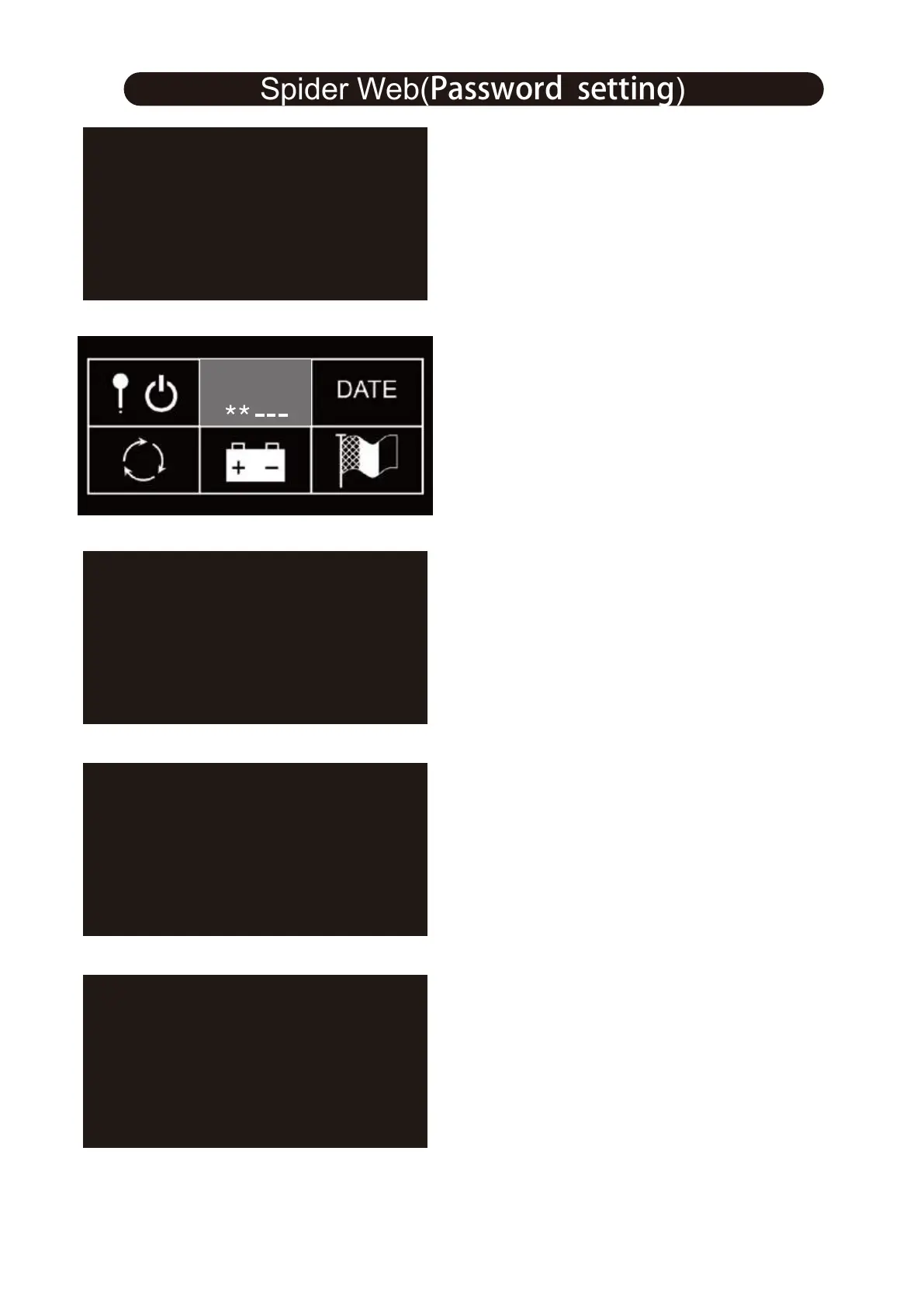
4.Active password setting: “OFF” “ON”
5.Press “OFF”, return to password setting
6.press “ON”,enter new password
ON
EXIT
PASSWORD
OFF
EXIT
NEW PASSWORD
123456
3
4
21
8.New password setting is done
9 .Press SET exit the password
7 .Enter new password again
4
1
EXIT
NEW PASSWORD AGAIN
123456
2
3
4
4
1
EXIT
NEW PASSWORD RIGHT
2
3
Attention: Default password is 111111
28
Spider Web(Password setting)
Spider Web (Password Setting)



 To Next Page