F1
F3F2
SET
18
Function selector button / confirm button. press 8 seconds, it will become to
data adjuster; press 8 seconds again, it will return to function selector.
Partial open when function selector / select technical item when
data adjuster / code setting meaning number 1
SET
F1 Select technical item when working as data adjuster / code setting meaning
number 2
F3
F2
Code setting meaning number 4
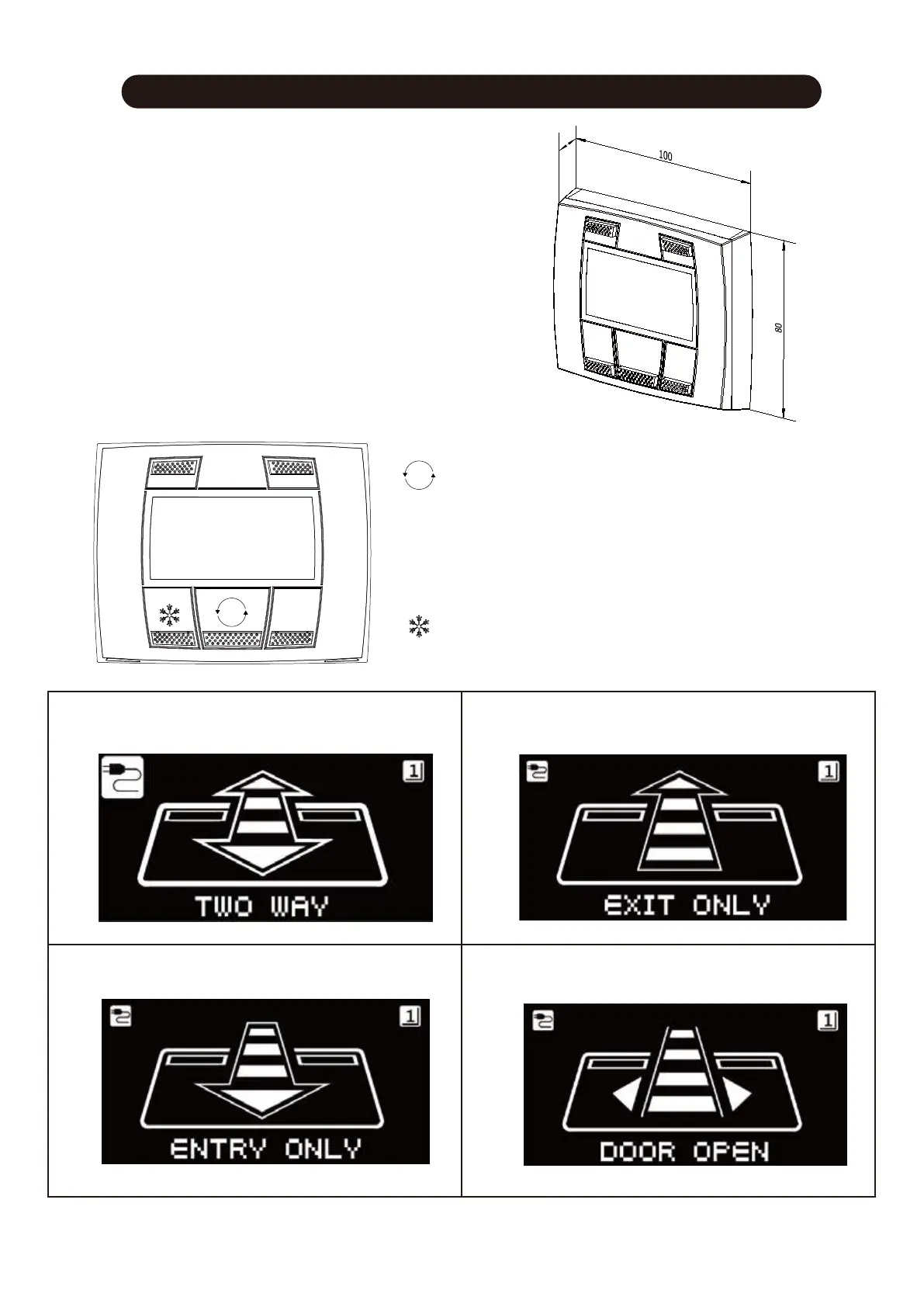
The door opens by activating any installed opening control.
① ②
③ ④
The external sensor is deactivated, all other opening
controls remain active.
The internal sensor is deactivated, all other
opening controls remain active.
The door opens and remains open permanently.
Code setting meaning number 3
The Parameters of the controller can only be
adjusted by SPIDER WEB.
The SPIDER WEB is a duel control unit, it works
both as :
1) A function selector
2) Data adjuster
24
Spider web (function selector)
Spider Web (Function Selector)



 To Next Page