64
English
ADVANCED
OPERATIONS
●
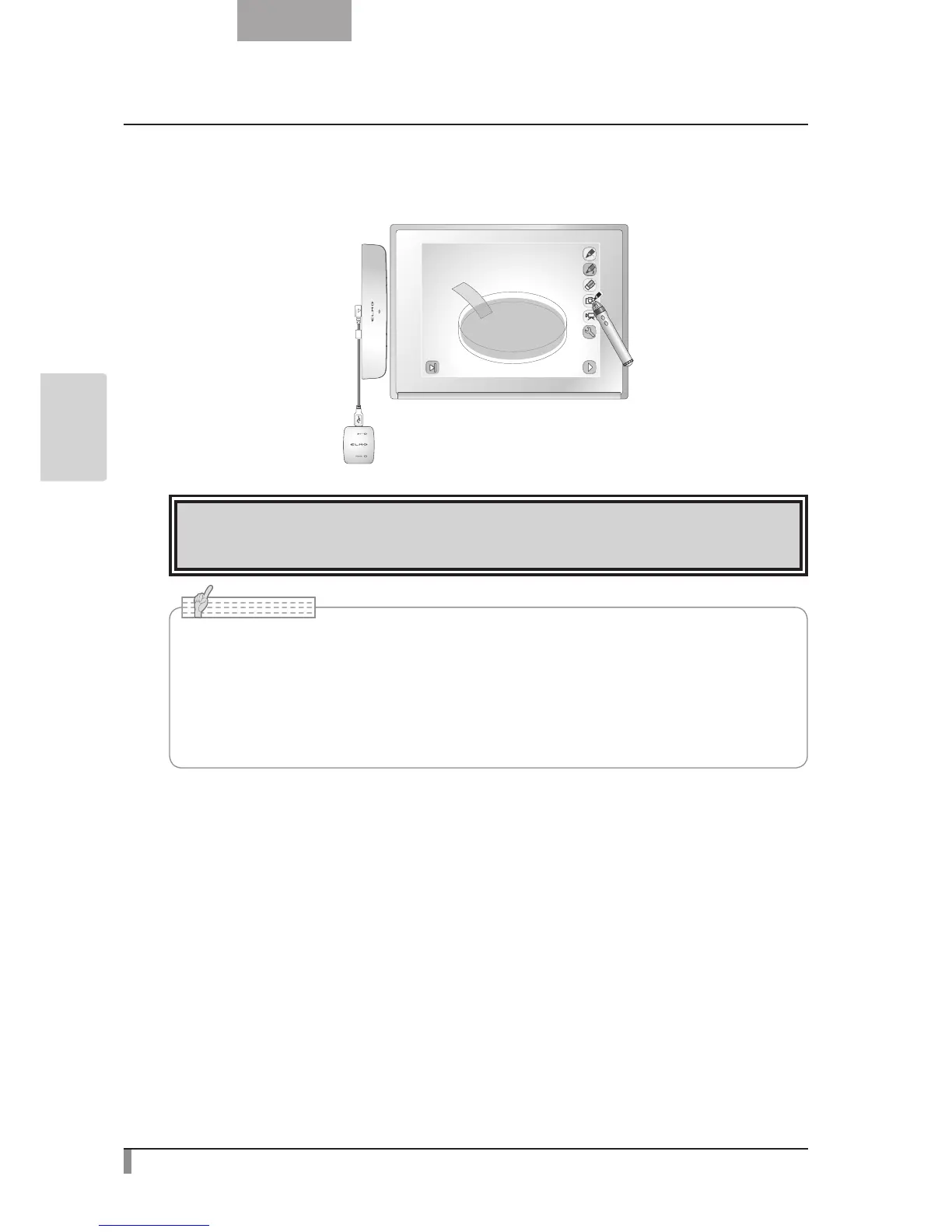
Selecting a menu button
Move the cursor and touch the menu button that you want to select.
Use this function to select a menu button.
CAUTION
Touch the whiteboard lightly with the pen. Do not press hard on the whiteboard.
• Holding the pen at an extreme angle may result in a failure of the whiteboard to recognize
the position of the pen.
Hold the pen perpendicular to the whiteboard if possible.
• When using the portable IWB, you can select the mode to be used from Main Menu 2.
• When the resolution is set to VGA (640 x 480), you cannot see the menu or draw lines with
a pen.
N o t e


 To Next Page