31
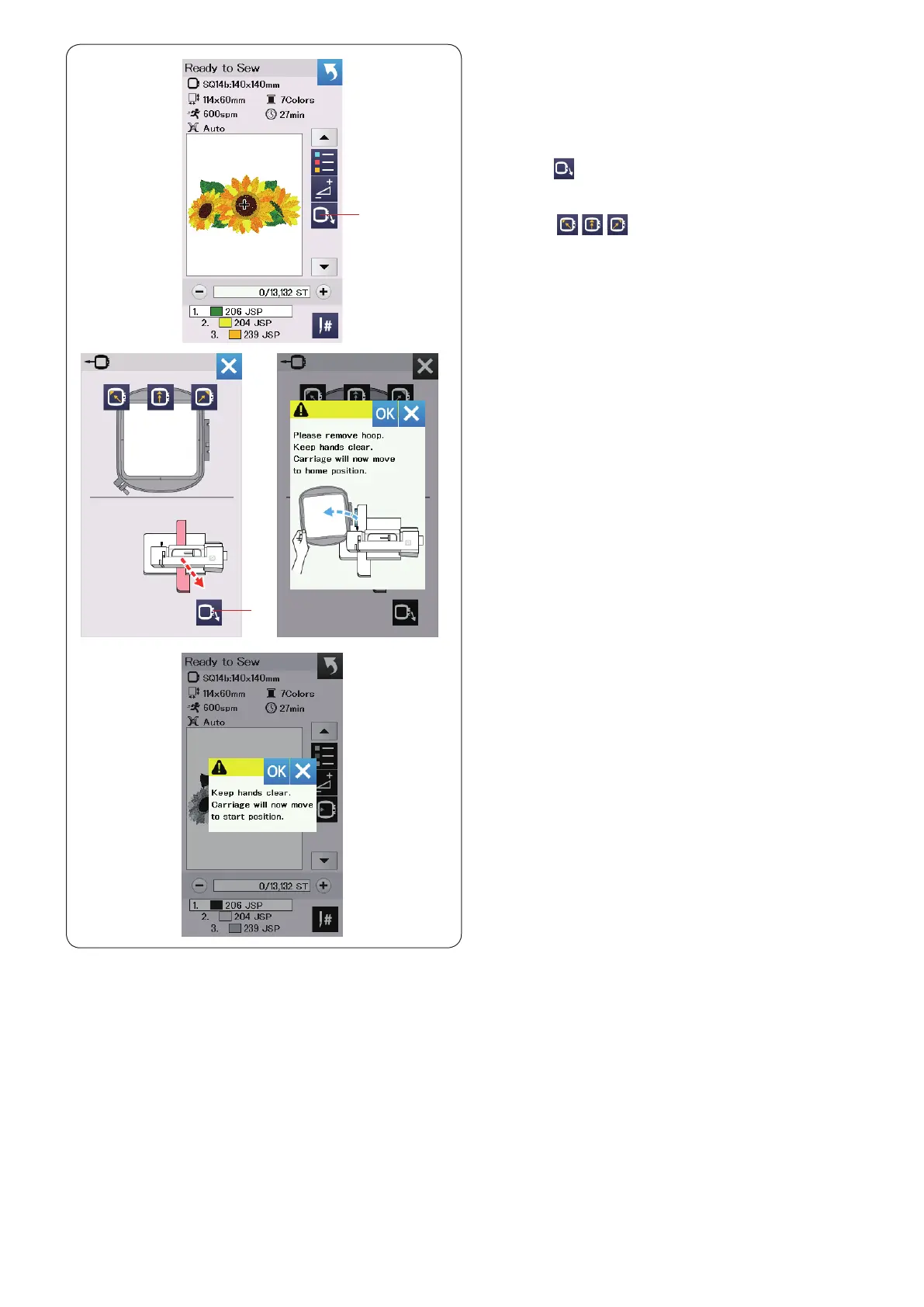
Hoop back key
Turn the handwheel toward you to raise the needle at its
highest position if the needle is in down position.
Raise the presser foot.
Press the hoop back key
q
and hoop back option
window will open.
Press the
key
w
and the conrmation window open.
Press the OK to move the carriage back to the home
position and return to the Ready to Sew screen. Press
one of the keys to move the carriage to a
standby position.
Press the X key to close the hoop back option window.
w
Hoop back key
q
w
Press the start/stop button.
The caution message appears.
Press the OK key and the hoop will go back to the original
position.















 To Next Page