____________________________________________________________________________________
____________________________________________________________________________________
NTU Optical Network Terminals 19
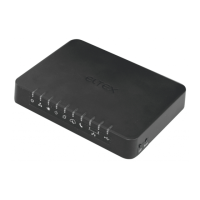
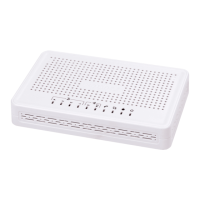
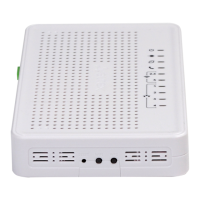
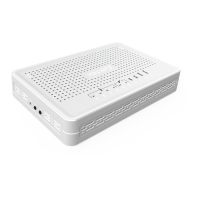
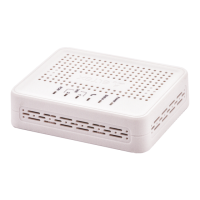
Fig. 11—NTU-RG-1402G-W side and top panels
See table 11 for detailed information about LED indicators located on the top panel of the device.
Table 11 – Description of front panel LED indicators
Device power and activity status indicator
Device authentication indicator
Optical interface indicator
FXP port activity indicators
Ethernet ports activity indicators
See table 12 for detailed information about LEDs located on the top panel of the device.
Table 12 – Description of front panel LED indicators
a functional key that reboots the device and resets it to the factory
settings
Wi-Fi enabling/disabling button
a button which enables automatic secure Wi-Fi connection
2.6 Light Indication
2.6.1 NTU-2V
The LED indicators located on the front panel show the current state of the device.


 To Next Page