Q Command - Form Length & Gap
Description This command is used to set the length of the
form or label and the gap between labels to be
printed.
Syntax Qp
1
,p
2
Parameters p
1
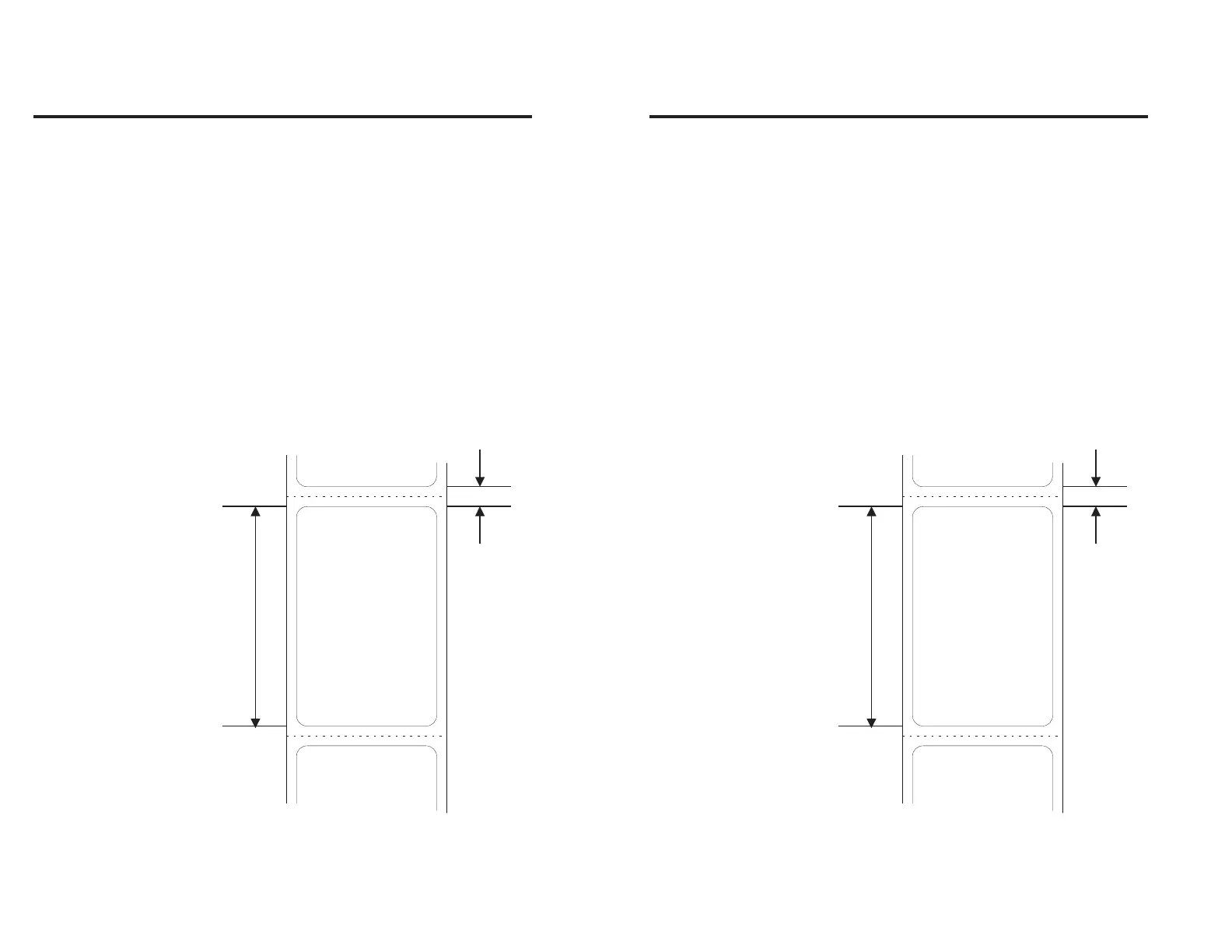
= The length of the form (or label) in dots.
The default value is 000.
p
2
= The length of the gap between the forms
(or labels) in dots. The default value is
000.
p
1
p
2
Figure 2-6
Form Length &
Gap Orientation
34
980090-001 Rev. B
Q Command - Form Length & Gap
Description This command is used to set the length of the
form or label and the gap between labels to be
printed.
Syntax Qp
1
,p
2
Parameters p
1
= The length of the form (or label) in dots.
The default value is 000.
p
2
= The length of the gap between the forms
(or labels) in dots. The default value is
000.
Figure 2-6
Form Length &
Gap Orientation
34
980090-001 Rev. B



 To Next Page