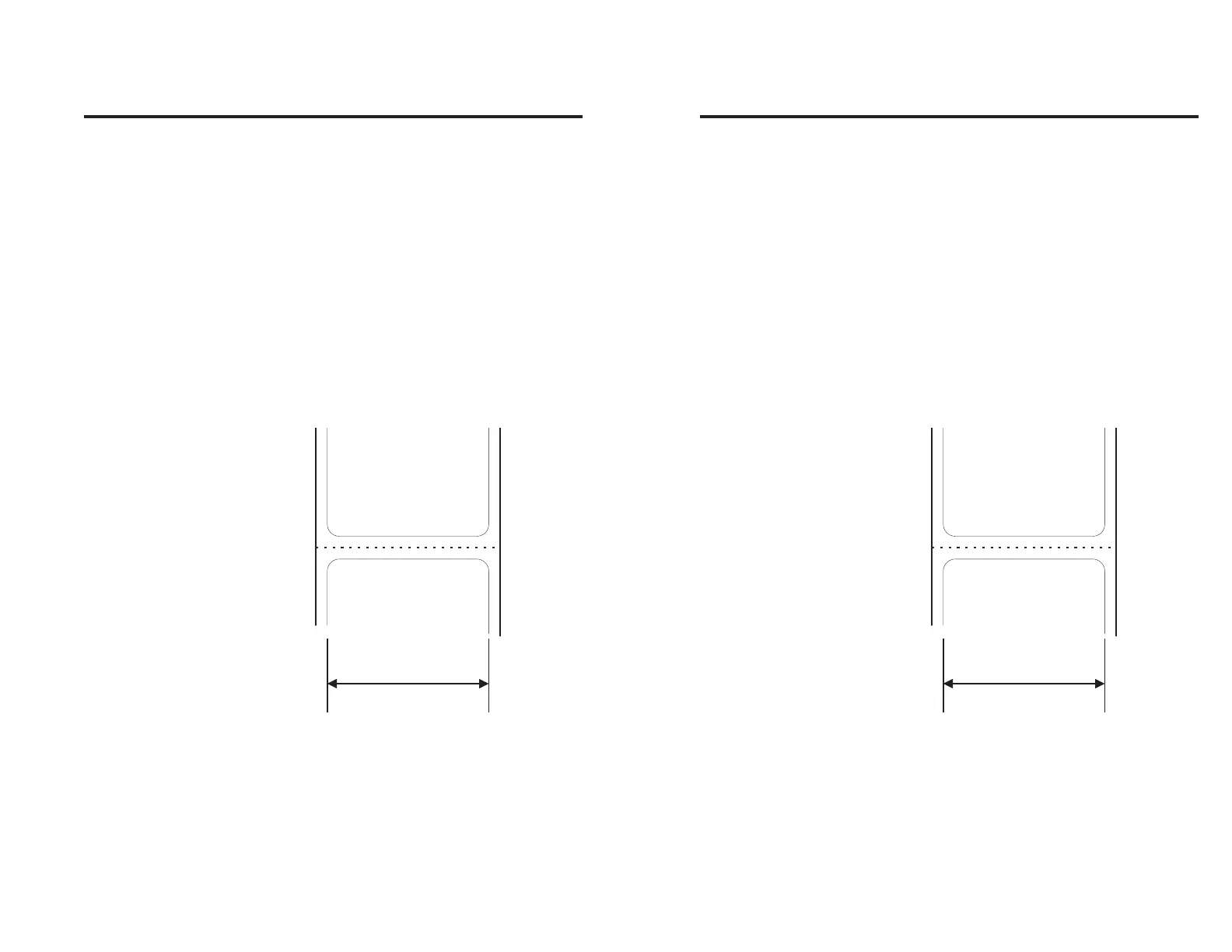
q Command - Form Width
Description This command is used to set the length of the
form or label and the gap between labels to be
printed.
The maximum form or label length is increased
by narrowing the image width with this com-
mand. The maximum width is 432 dots.
Syntax qp
1
Parameters p
1
= The width of the form (or label) in dots.
The default and maximum form width
is 432 dots.
p
1
Figure 2-7
Form Length &
Gap Orientation
980090-001 Rev. B 35
q Command - Form Width
Description This command is used to set the length of the
form or label and the gap between labels to be
printed.
The maximum form or label length is increased
by narrowing the image width with this com-
mand. The maximum width is 432 dots.
Syntax qp
1
Parameters p
1
= The width of the form (or label) in dots.
The default and maximum form width
is 432 dots.
Figure 2-7
Form Length &
Gap Orientation
980090-001 Rev. B 35



 To Next Page