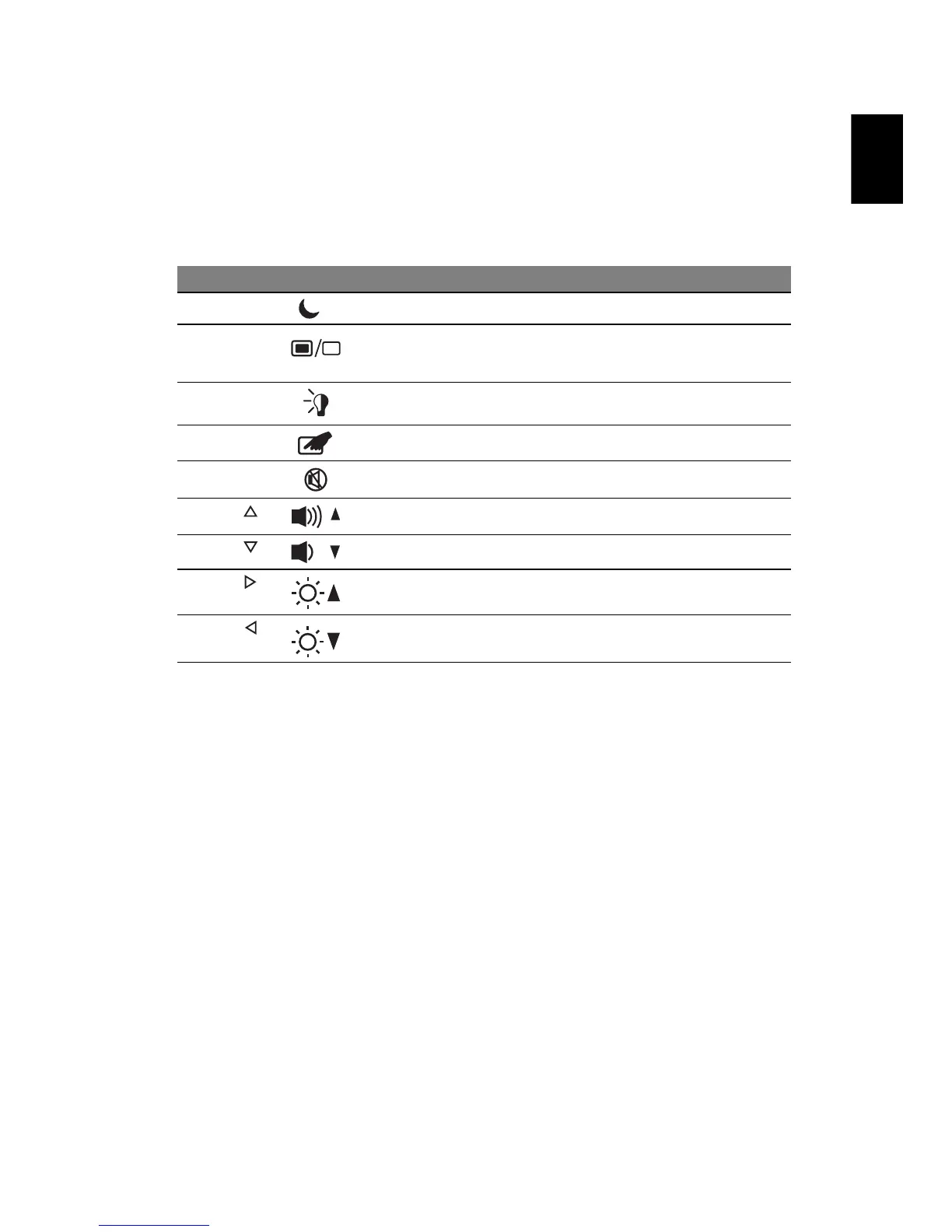
Hotkeys
The computer employs hotkeys or key combinations to access most of the
computer's controls like screen brightness, volume output and the BIOS utility.
To activate hotkeys, press and hold the <Fn> key before pressing the other key
in the hotkey combination.
Hotkey Icon Function Description
<Fn> + <F4> Sleep Puts the computer in Sleep mode.
<Fn> + <F5> Display toggle Switches display output between the
display screen, external monitor (if
connected) and both.
<Fn> + <F6> Screen blank Turns the display screen backlight off to
save power. Press any key to return.
<Fn> + <F7> Touchpad toggle Turns the internal touchpad on and off.
<Fn> + <F8> Speaker toggle Turns the speakers on and off.
<Fn> + < >
Volume up Increases the sound volume.
<Fn> + < >
Volume down Decreases the sound volume.
<Fn> + < >
Brightness up Increases the screen brightness.
<Fn> + < >
Brightness down Decreases the screen brightness.














 To Next Page