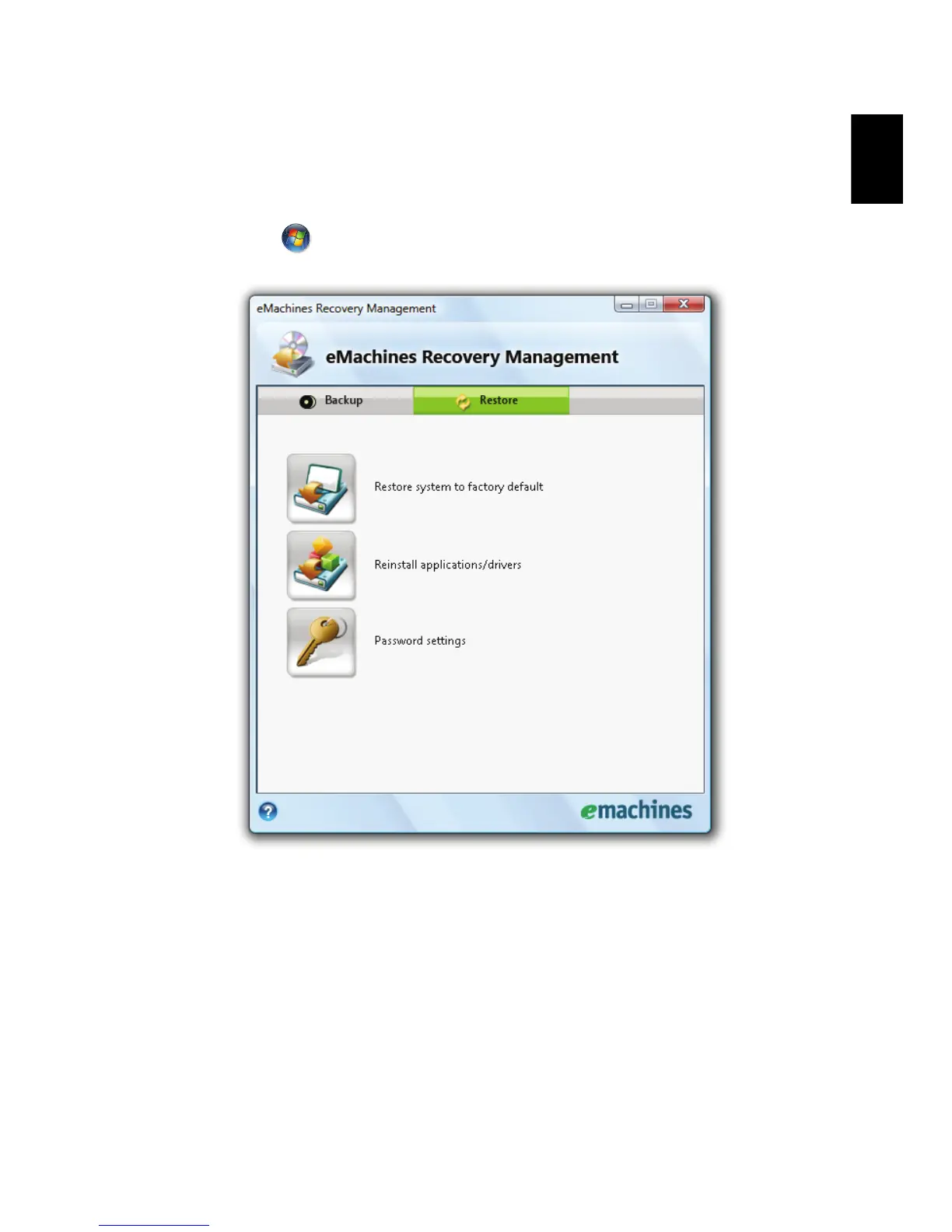
Restore
The restore feature allows you to restore or recover the system from a factory
default image. You can also reinstall applications and drivers for your
eMachines system.
1 Click on Start, All Programs, eMachines.
2 Switch to the restore page by selecting the Restore button.
3 You can choose to restore the system from a factory default image or
reinstall applications and drivers.
4 Follow the instructions on screen to complete the process.














 To Next Page