Restore Windows Vista from backup discs
Note: The following content is for general reference only. Actual
product specifications may vary.
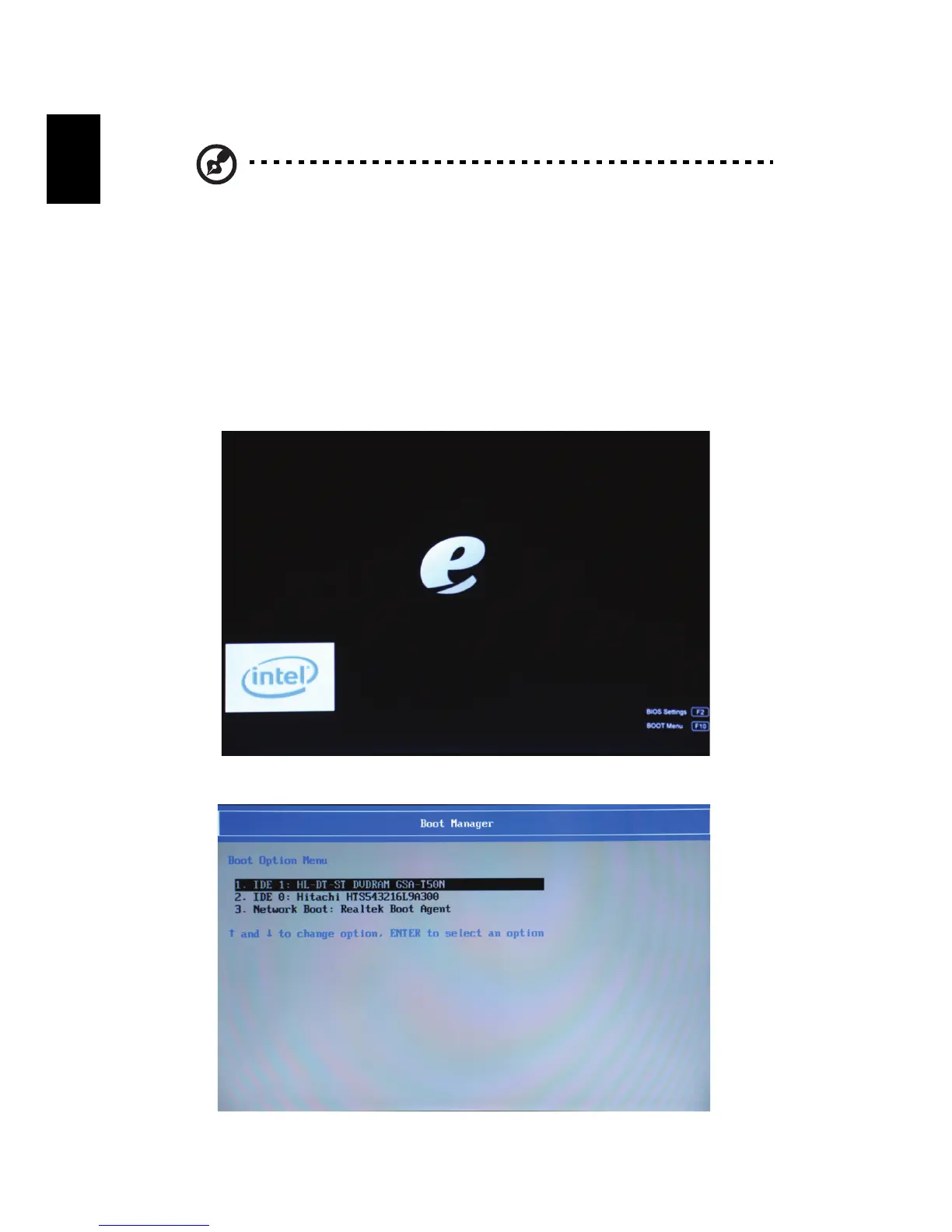
To restore Windows Vista from your previously burned backup discs, you will
need to insert the first backup disc and enable the F10 Boot Menu.
1 Turn on your computer and insert the first system recovery disc into the
optical disc drive. Restart your computer.
2 The system will reboot.
3 After rebooting, when the eMachines logo shows, press the F10 key to
open the BOOT Menu.
4 Here you can select which device to boot from.














 To Next Page