5.0 Expanding the Player's Storage
5.1 Preparing MicroSD or “TF” Cards for Use
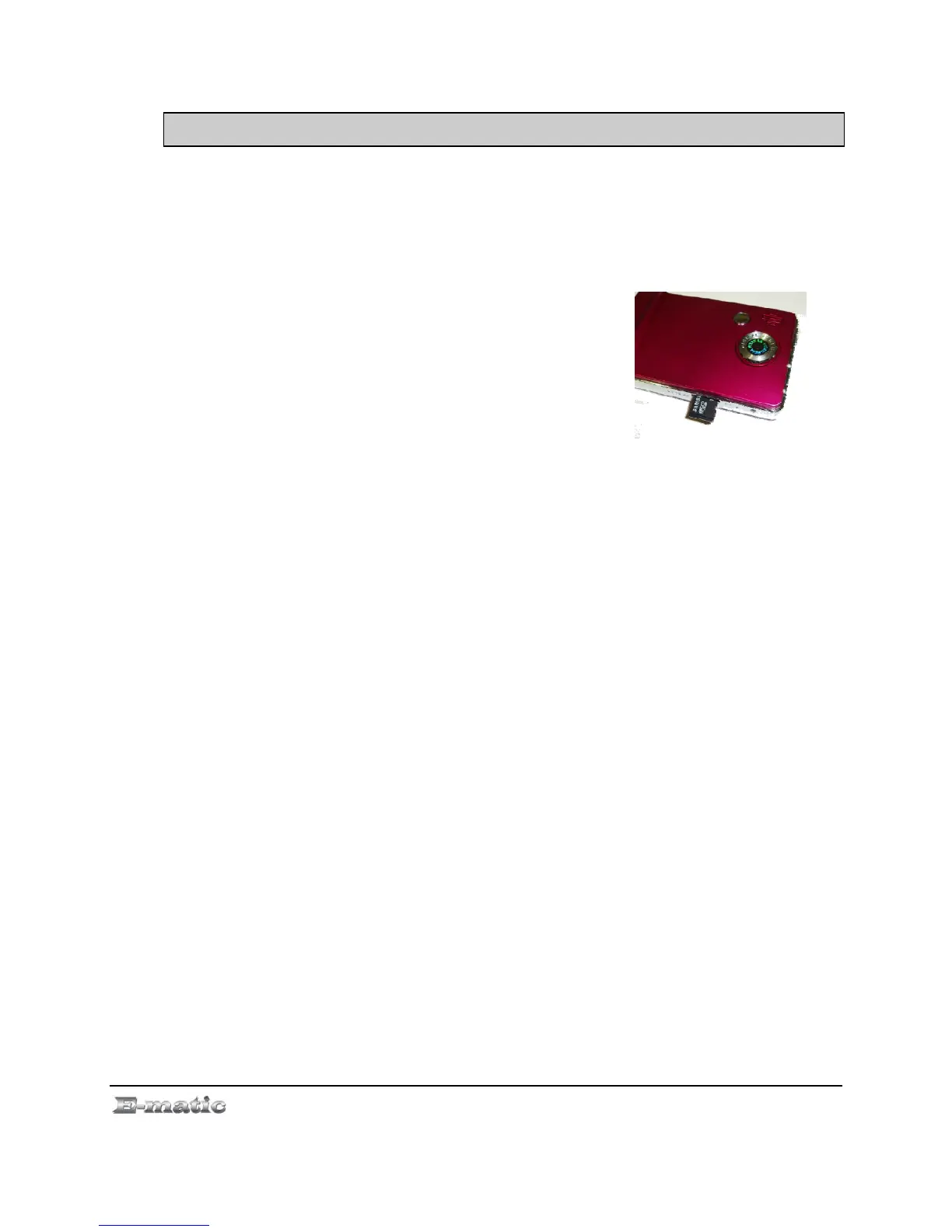
You can expand the player's capacity by adding a MicroSD card (also
known as a TransFlash or TF card) with a capacity of up to 8GB. First,
however, it must be prepared for use by the player. Follow these
instructions to prepare the card:
1. Turn the player off.
2. Insert a microSD/TF card into the player.
3. Turn on the player.
4. Select Setting from the Mode Selector.
5. Select Player Configure from the menu.
6. Select Format Card from the next menu. The function will create the
necessary folders.
7. Use the USB cable to connect the player to your computer.
8. Access your MicroSD card through My Computer.
When in Video, Camera, and other modes, you can access files on your microSD
card. If the card is inserted there will be a “Card” directory on each menu, if you
cannot see the “Card” directory, slide the bottom menu (where it displays Songs, Dir
List, Albums, etc…) to left or right until you see it.
E4 Series User Manual Page 9 of 36



 To Next Page