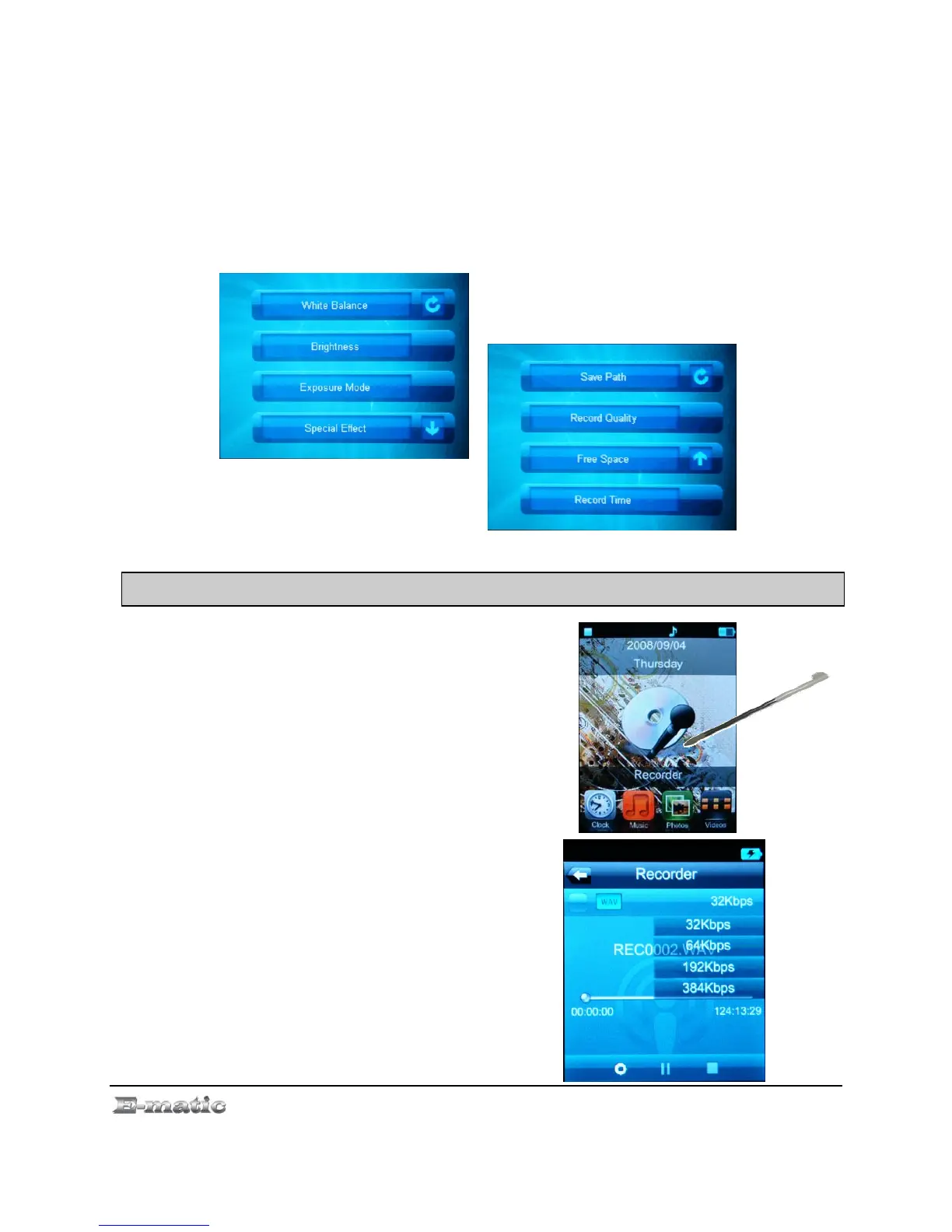
11.3 The DV Menu
To display the DV menu, double click the middle of the screen in DV
mode. The settings are the same as the in the Camera Mode menu as
described on “Camera Menu Commands” on page. 21, except for one
addition setting: Record Quality allows you to choose one of three quality
presets.
12 .0Recording Audio
12.1 Entering Recorder Mode
Use the Mode Selector to enter
Recorder mode which will immediately
display the Recorder Mode menu.
12.2 Basic Recorder Operations
Set record options by selecting
Rec Type from the recorder screen
E4 Series User Manual Page 24 of 36



 To Next Page