1. Use the stylus to slide the VOL bar button to change the volume.
2. In Video Mode full screen playback, double click the middle of the
screen and the VOL bar will show up,
7.0 Watching Videos
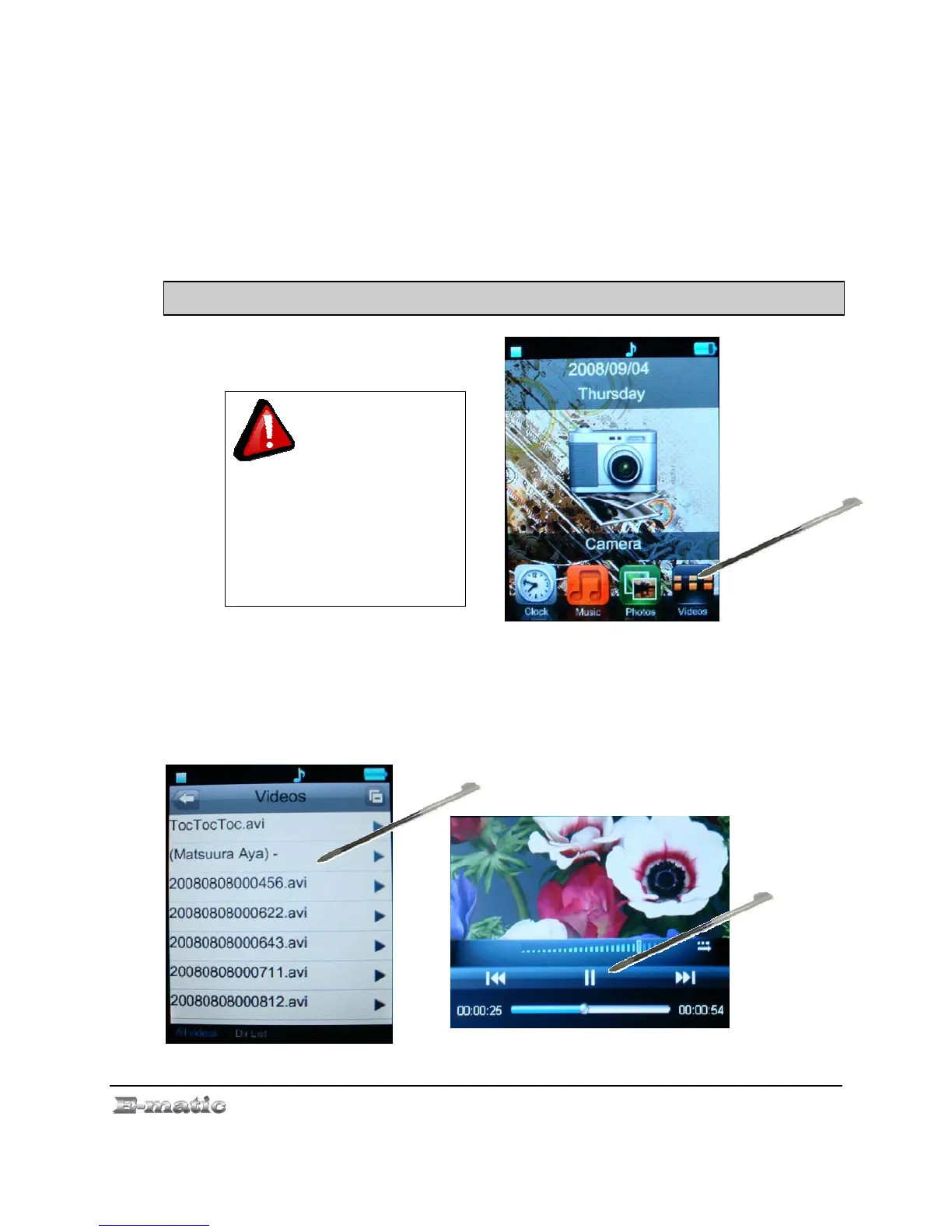
7.1 Playing a Video
Use the Mode Selector to select the Video Player mode, and then select a
video.
This player will only
play videos that are or have
been converted to a
compatible video format. See
“Technical Specification” on
pg.36, for a list of supported
formats. See page. 5 for Video
Conversion.
7.2 Basic Play Operations
E4 Series User Manual Page 14 of 36



 To Next Page