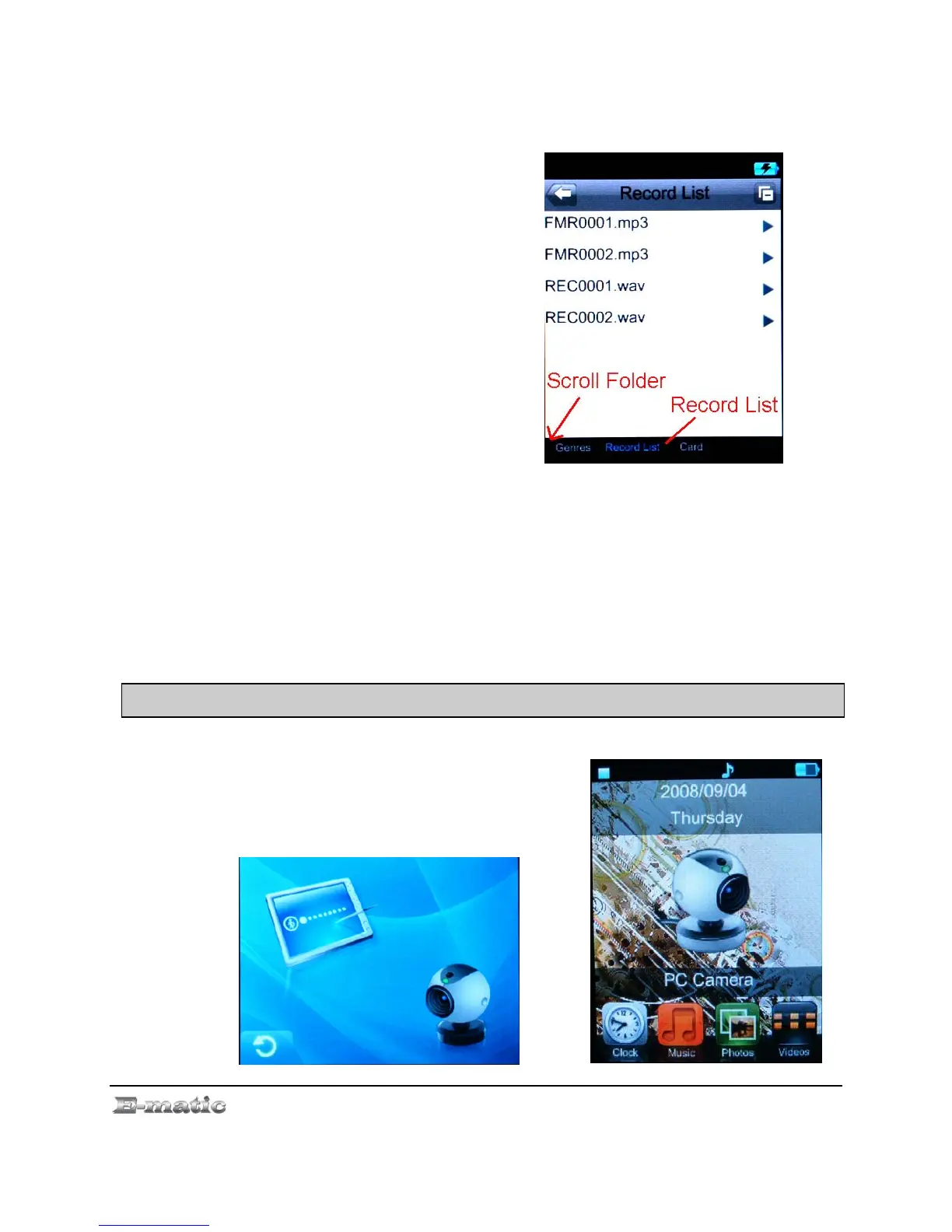
Once audio has been recorded, go
to the Mode Selector to enter Music
mode, and select Record List for a
list of your MP3-encoded FM
recordings. The FM recordings will
have filenames beginning with “FM”.
,
FM Band allows you to configure the radio for use in either Japan or the
United States of America. (Icon shows JP and US)
Stop Playing simply turns off the radio without leaving the FM Radio
mode.
15 .0PC Camera
15.1 Accessing the PC Camera
Use the Mode Selector to enter the PC
Camera mode where you can select
the following:
E4 Series User Manual Page 29 of 36



 To Next Page