E4 Series User Manual Page 19 of 36
z Artist lists the artists of your songs. Select an artist to listen to all the
songs by that artist.
z Album lists all the albums represented by your music collection. Select
an album to listen to all the songs from that album.
z Genre lists songs based on their genre ID3 tag. Select a genre to listen
to all your songs that are tagged with that genre.
z Record List lists all the audio you created with the player in Record
mode.
z Card lists all your songs in the microSD card.
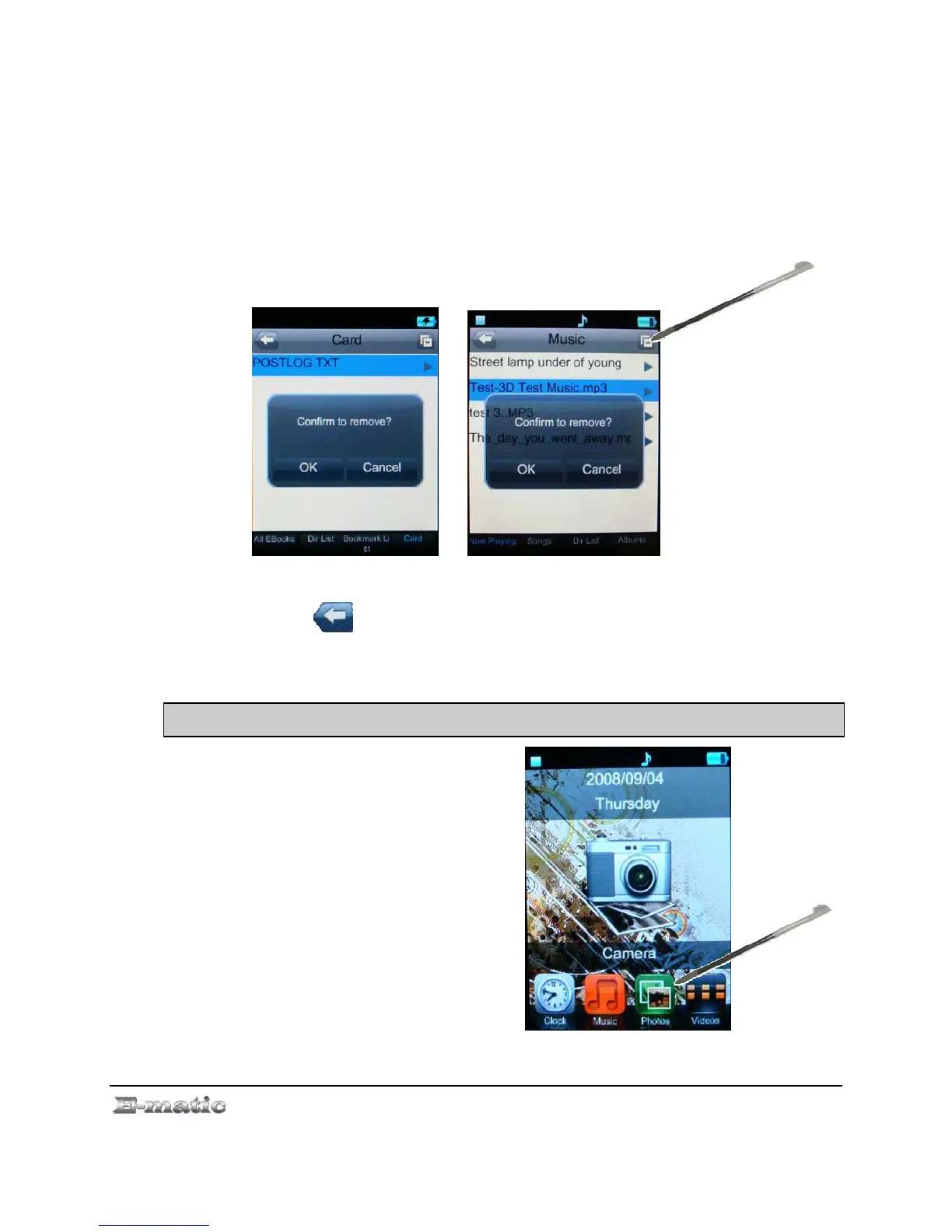
z File screen button allows you to delete selected songs.
Press the button on the screen to return to the Mode Selector.
9.0 Viewing Pictures
9.1 Entering My Picture Mode
Use the Mode Selector to
enter My Picture mode, and
then select a photo from the
file list. (See “Unders
and Navigating Menus” o
page. 11).
tanding
n
9.2 Basic Play Operations
While viewing a photo



 To Next Page