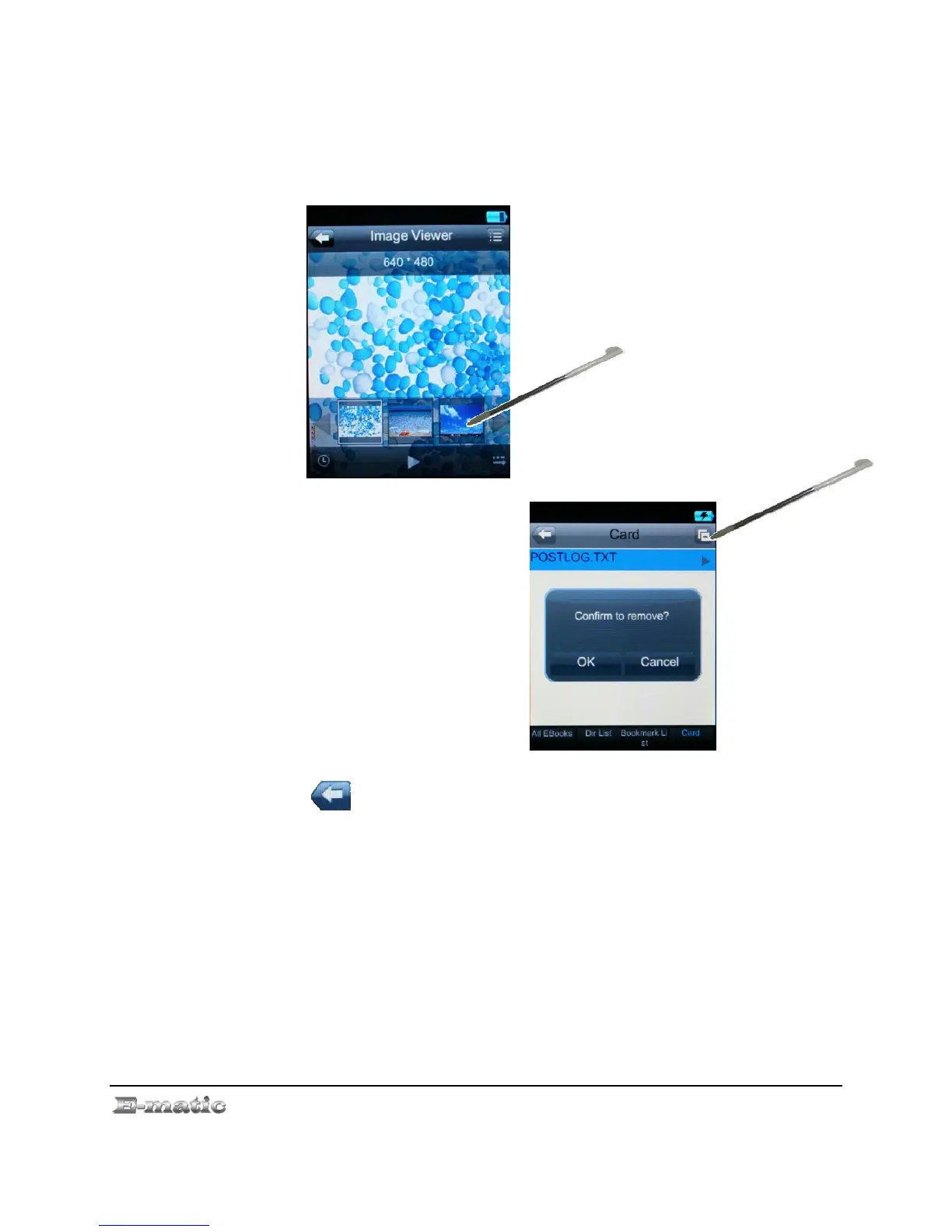
z Skip to the previous or next photo file by pressing the thumbnails
buttons.
z Press the screen PLAY button to View full picture.
z Return to the thumbnails by pressing the middle of screen.
9.3 My Pictures Menu Commands
On the Photos list screen, use
the stylus to click file button.
This will pop up a dialog box
for remove of file
Remove will delete the file
Press the button on the screen to return to the Mode Selector
E4 Series User Manual Page 20 of 36



 To Next Page