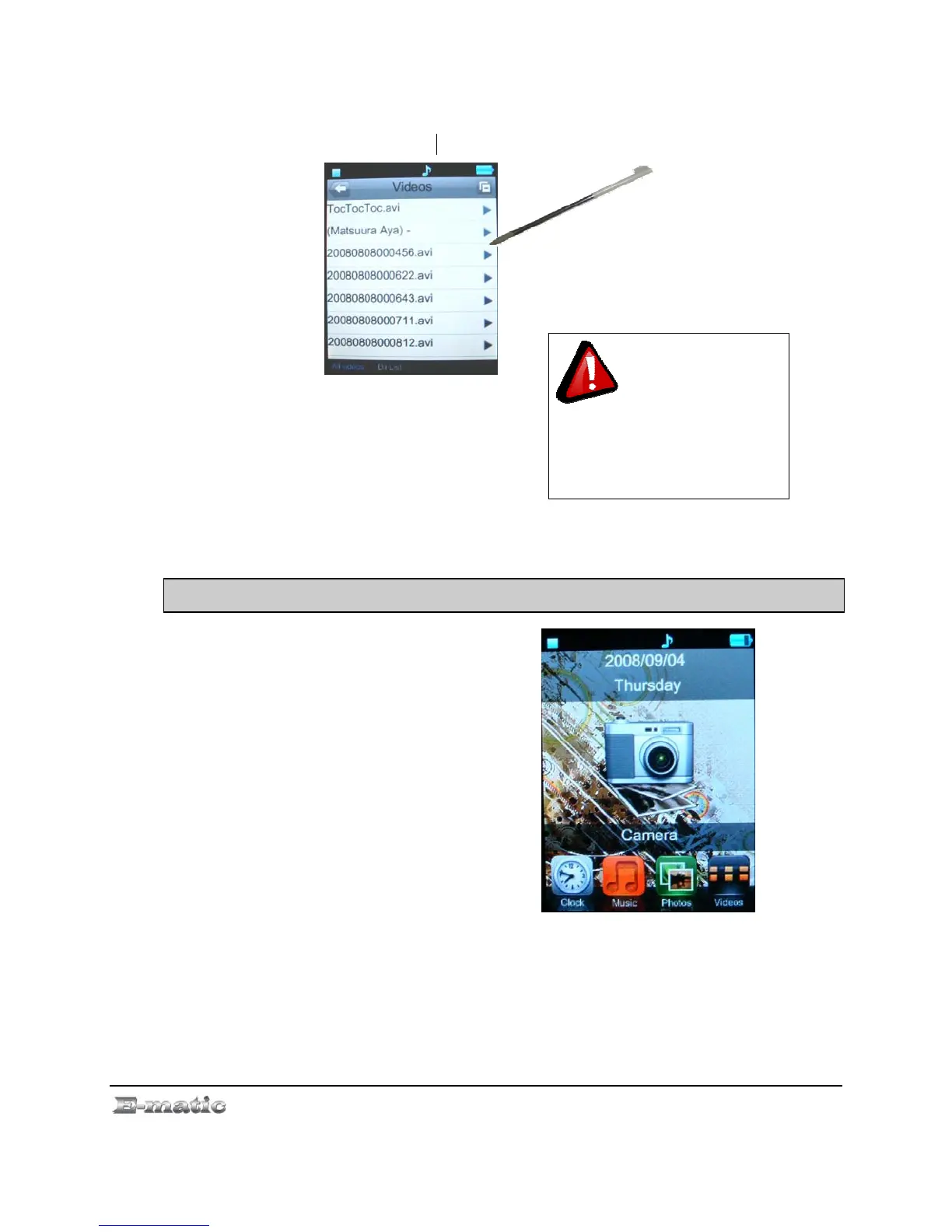
card content, this way you can switch between the files on the Local
Memory or Card Memory.
Press the EXIT button to return to the
Mode Selector.
This player will only
exit by pressing the EXIT
button in video play mode. No
screen button provided for exit
to Mode Selector.
8.0 Listening to Audio
8.1 Playing an Audio File
Use the Mode Selector to select the
My Music mode, and then select an
audio file to listen to.
8.2 Basic Play Operations
E4 Series User Manual Page 16 of 36



 To Next Page