E4 Series User Manual Page 21 of 36
10.0 Shooting Photographs
10.1 Entering Camera Mode
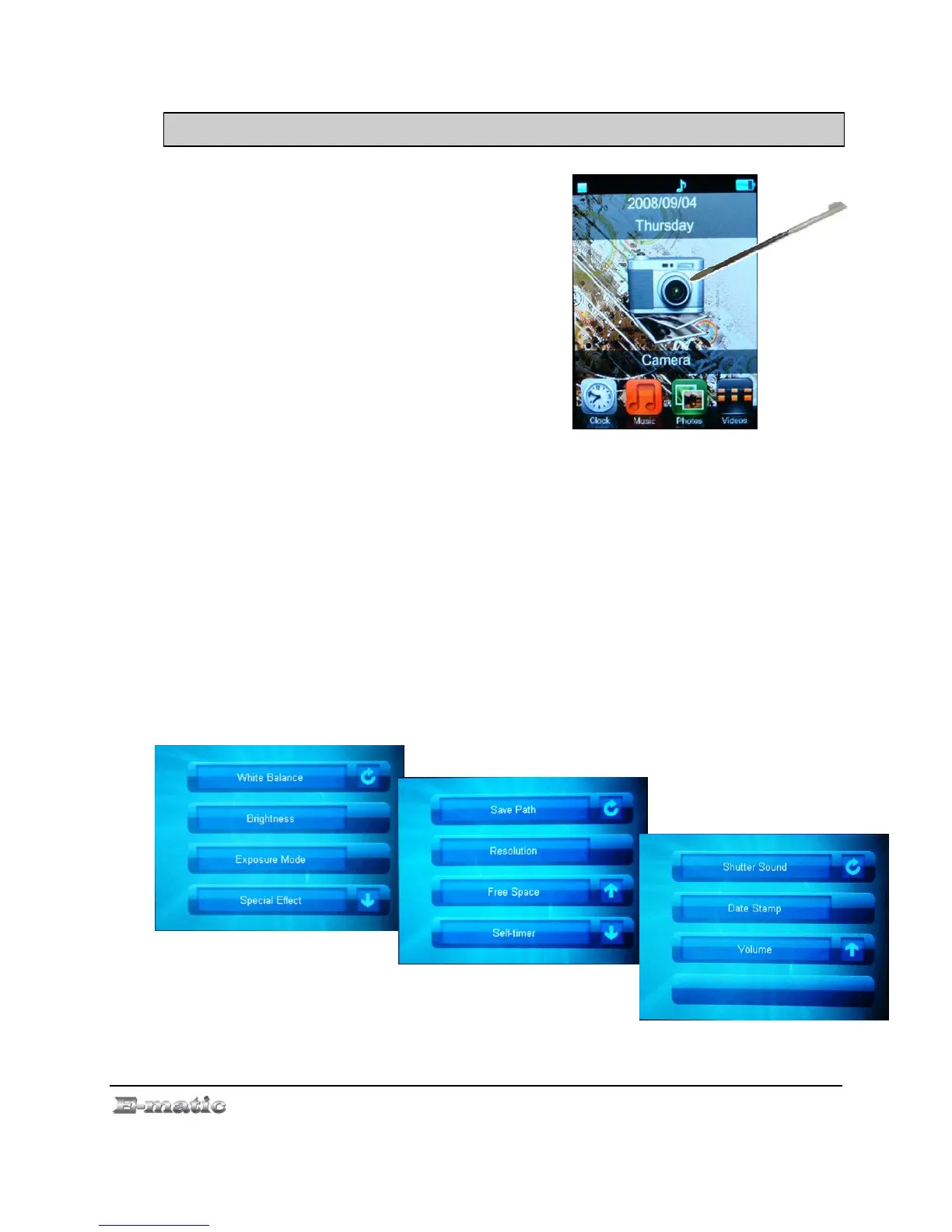
Use the Mode Selector to select
the Camera mode. (See
“Understanding and Navigating
Menus” on page. 11.)
10.2 Basic Photo Shooting Operations
Use the display as a viewfinder.
Snap a photo by pressing the CAMERA button (Pictures are
automatically saved).
Once you've taken one or more photos, press the EXIT button to return to
the Mode Selector.
To view your photos, enter Photos mode where you'll find your photos in
the CAMERA folder.
10.3 Camera Menu Commands
Use the stylus or finger to double click the middle of the screen to
access the camera menu (press the Down Arrow for more options):



 To Next Page