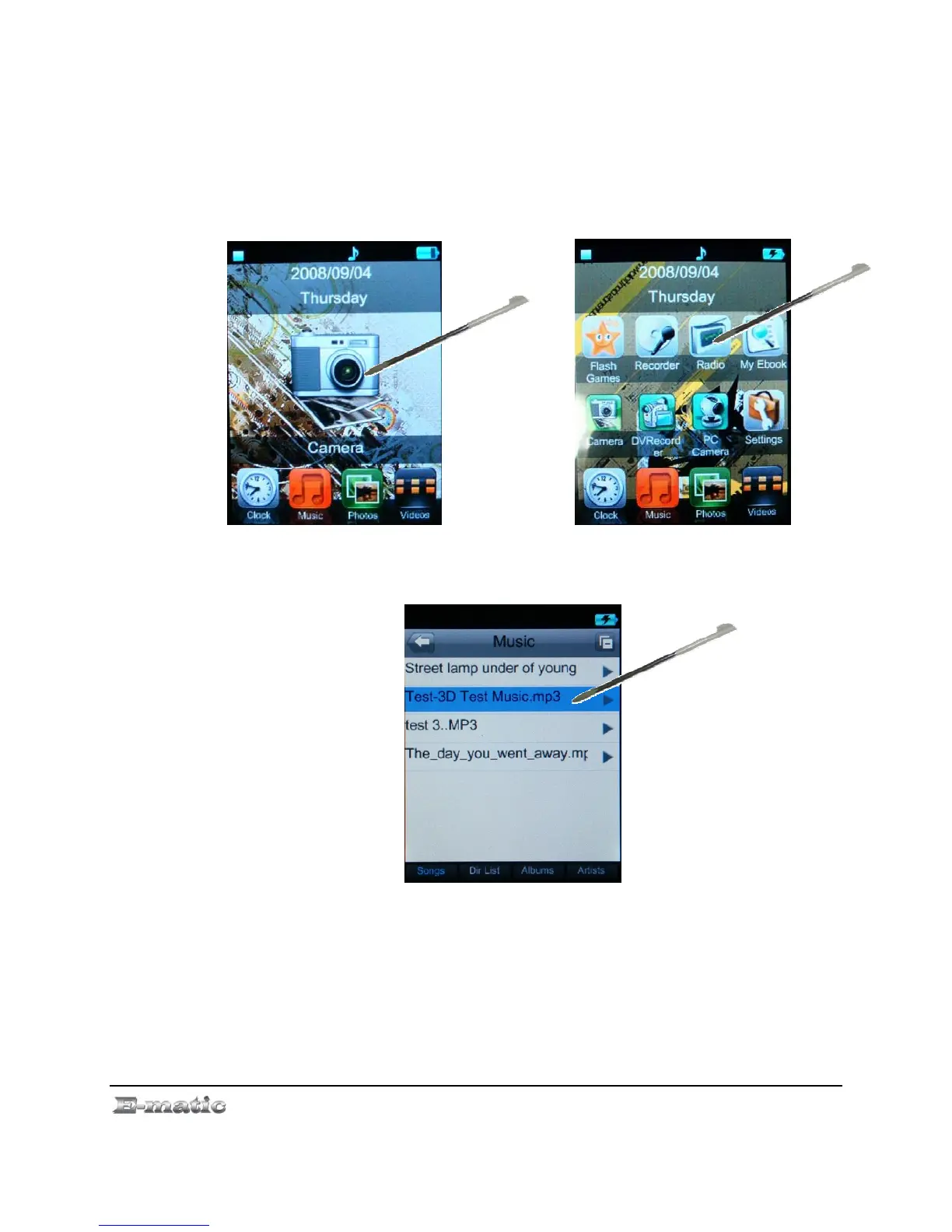
The Mode Selector can be changed to a small icon style in the Settings
mode. (See “Device Settings” on page. 30).
File List
Once you have selected a review mode, (My Music, My Pictures, Video
Player, E-Book), a list of your files will appear. Highlight files using the
stylus, and select a file by double-tapping the stylus to screen.
Menus
Whether you are still in the file list, or looking/listening to a file, you can
display a menu of file and play options by using the stylus to press the
screen button (EQ, repeat or Volume).
E4 Series User Manual Page 12 of 36



 To Next Page