Ebook Reader User Manual
11
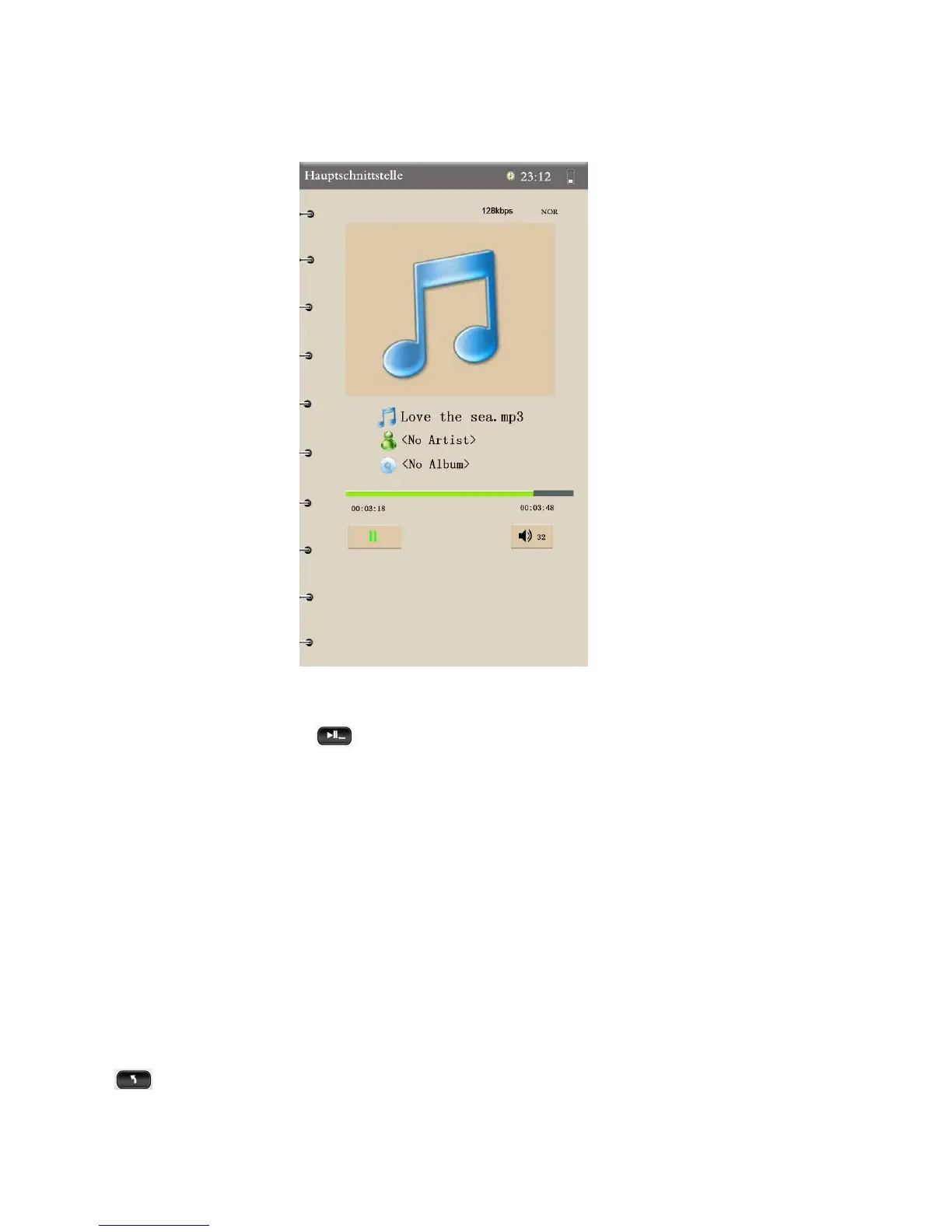
5. Music Interface Functions:
Adjust Volume – Press Direction keys to adjust volume up/down.
Play/Pause – Press to play or pause the music in this interface.
Previous/Next – Press Up/Down keys to select music.
Fast Forward/Reverse – Hold down the Direction keys to move forward or
reverse.
Music List Setting – Press "M" shortly to reveal this menu. There are
Repeat Mode, Play Mode, MS EQ, EQ Sel, User EQ Setup, and Display
Mode options. Experiment until you find the setting that sounds best to you.
(Repeat settings include: Once, Repeat, All, All Repeat, Intro. MS Sound
Effects include: 3D, Bass, LEQ. EQ includes Normal, MS EQ, Rock, POP,
Classic, Bass, Jazz, User EQ.) To return to the previous Music List, press
.


 To Next Page