Ebook Reader User Manual
13
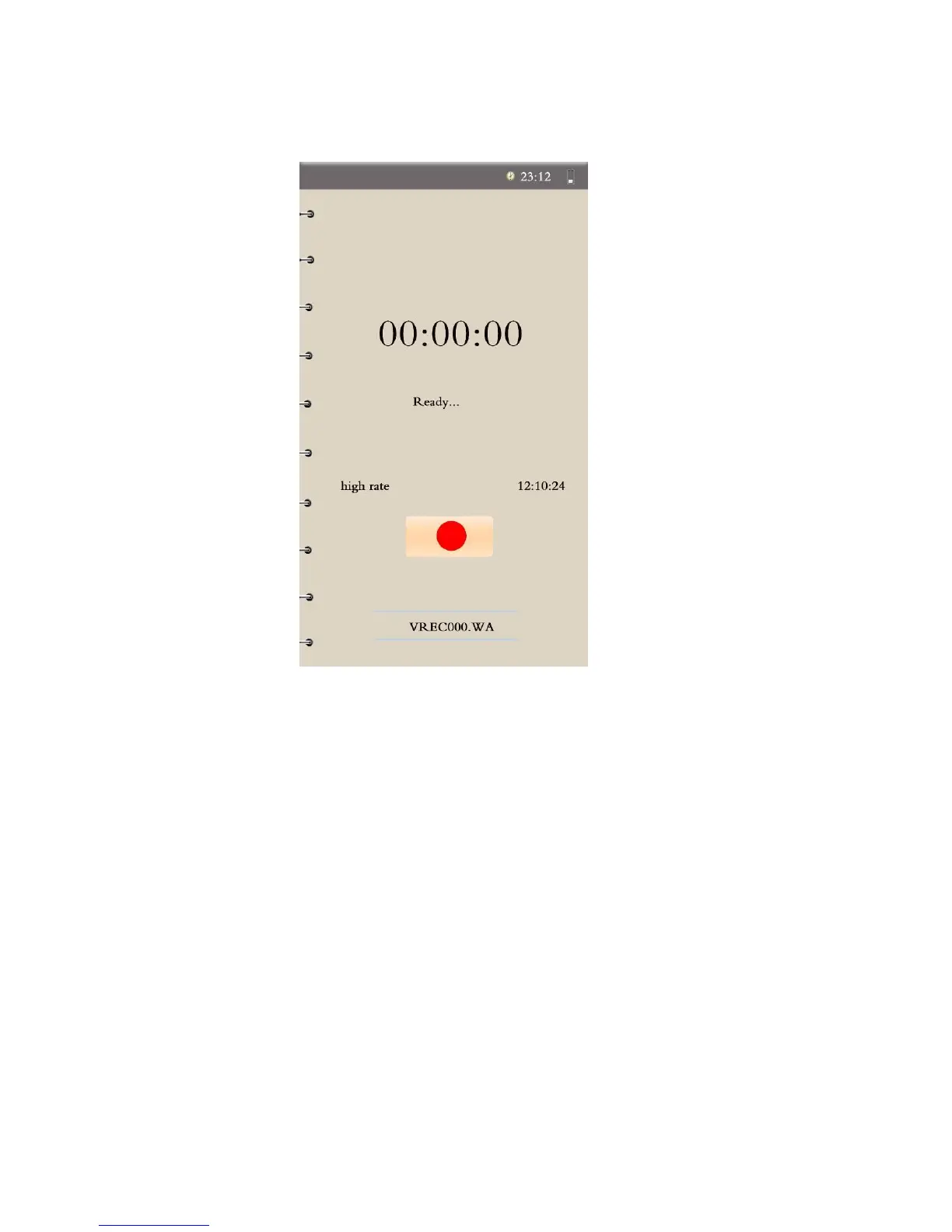
8. Sound-Recording Interface Functions:
Start/Pause Recording – Choose “Record” from the Main Menu to enter
this interface. When in the Recording interface, press "M" to start
recording, pause recording, or to switch recording quality.
Play Recording – Choose “Record Playing” to play recordings.
Exit/Storage – In the Record interface, the Ebook Reader will prompt you
with a “yes” or “no” option when you press the Back/Exit key, to ask if you
want to store this recording. Press the Direction keys to choose whether or
not you want to store it.


 To Next Page