Ebook Reader User Manual
14
9. FM Radio Interface Functions:
Start Radio – Choose “FM” from the Main Menu to enter this interface.
Choose Station – Press the Direction keys to navigate.
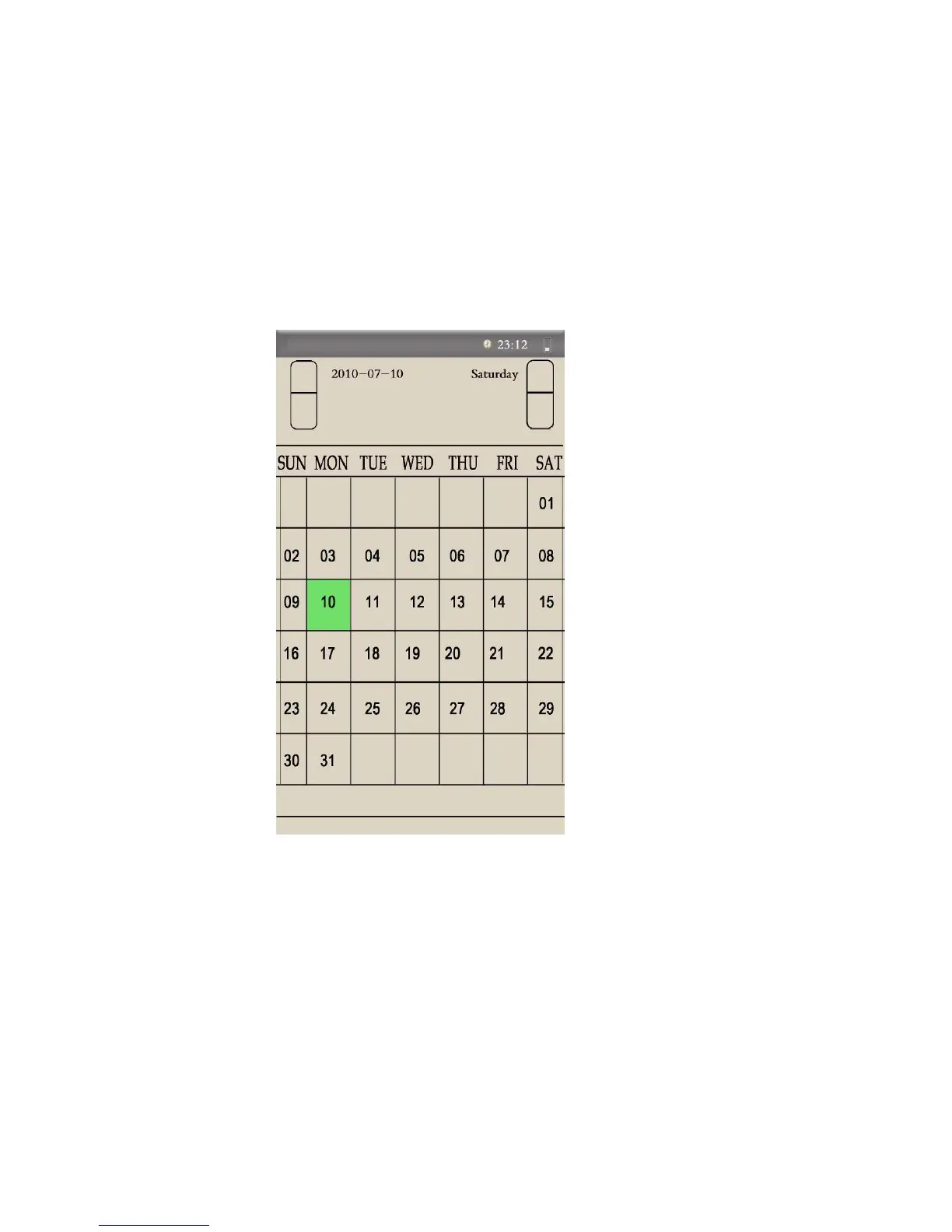
11. Calendar:
View Calendar – Choose “Calendar” from the Main Menu.
Choose Date – Press the Direction keys to search dates.
12. Shut Down the Ebook Reader – Hold down the On/Off key to shut
down the device.


 To Next Page