Ebook Reader User Manual
8
Basic Operation:
1. Turn on the Ebook Reader:
Press the On/Off key for 3-5 seconds to activate the device.
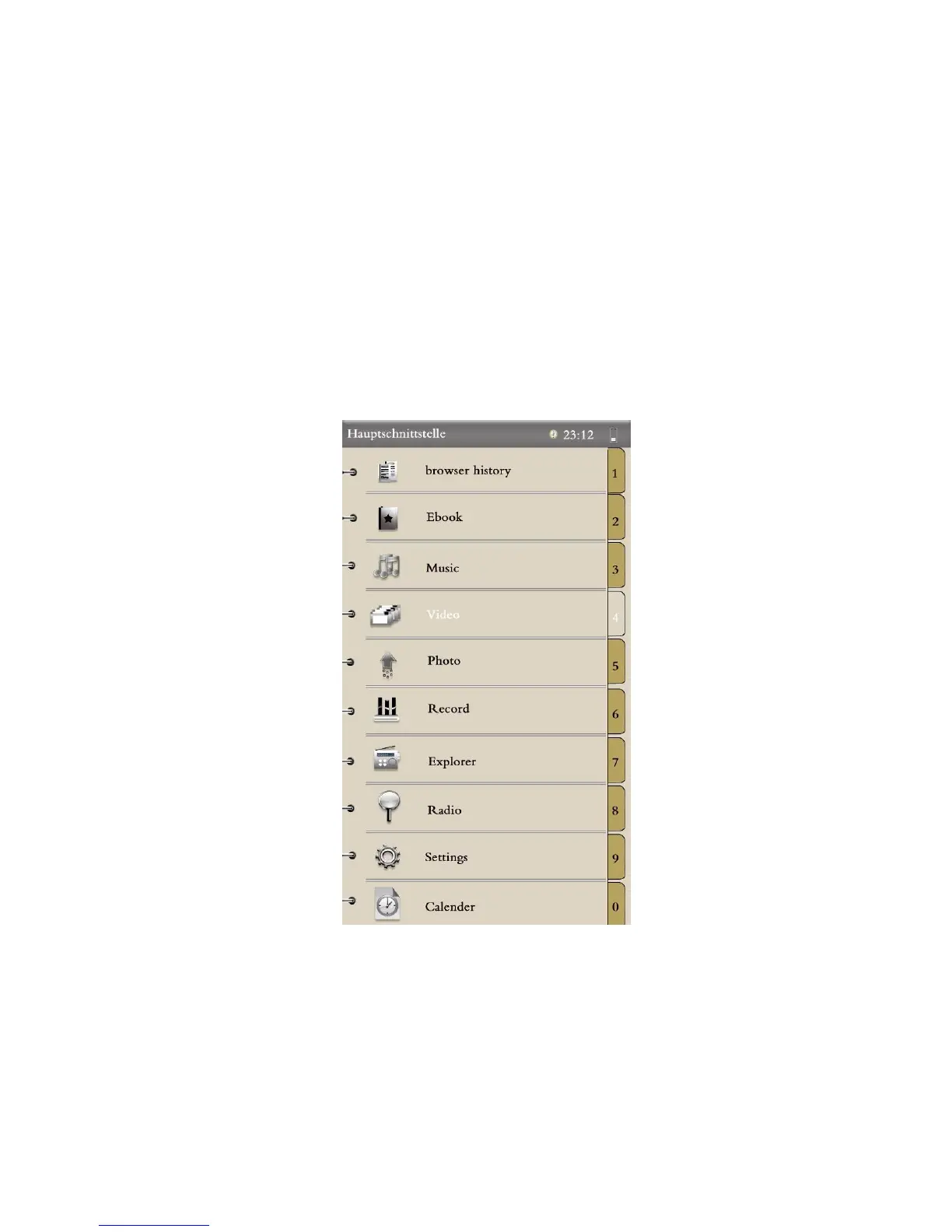
2. Main Menu (Main Interface):
All the files are displayed in this interface. Quickly press Up/Down keys to
move the cursor to the desired function. Press "M" to enter an interface.
3. Browser History:
Quickly press Up/Down keys to move the cursor to “Browser
History.” Press "M" to enter. You can check name and page information
about recently opened files you. (Special note: Pressing the Play/Pause
key in the Browser History interface can delete all the history!)


 To Next Page