Ebook Reader User Manual
12
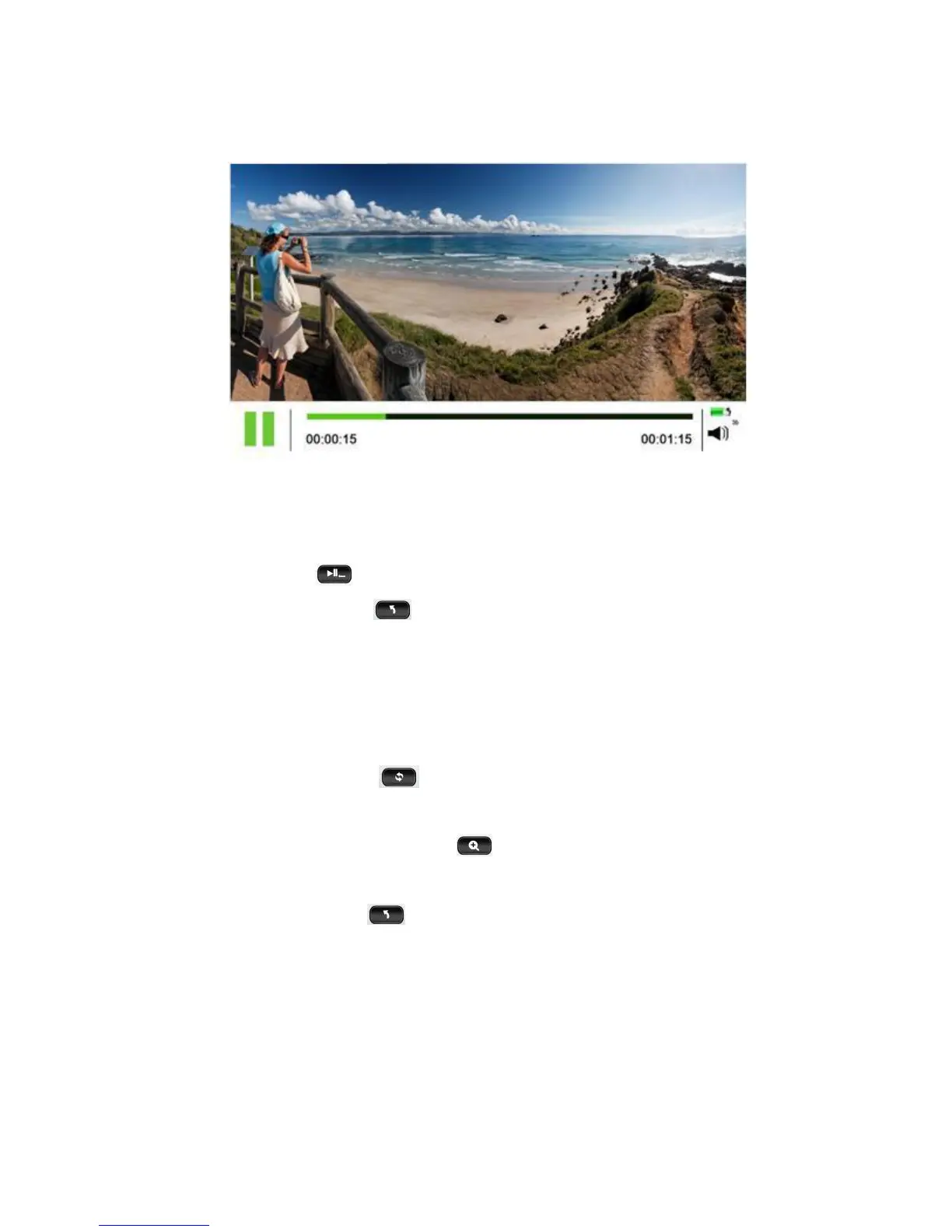
6. Video Interface Functions:
Adjust Volume – Press Direction keys to adjust volume.
Play/Pause – Press to play or pause videos in this interface.
Back/Exit – Quickly press to return to the previous menu; hold down
“Back” to return to the Main Menu.
7. Image Browser (Photo) Interface Functions:
Rotate Images – Press the key in the Image Browser interface to
rotate pictures.
Image Zoom In/Out – Pressing the key will change picture size.
Image Switch – Press Direction keys to switch between images.
Back/Exit – Quickly press to return to the previous menu; hold down
“Back” to return to the Main Menu.
(Special note: You can also listen to music while browsing images. First
select music, and then browse the images.)


 To Next Page