Connecting to a Computer
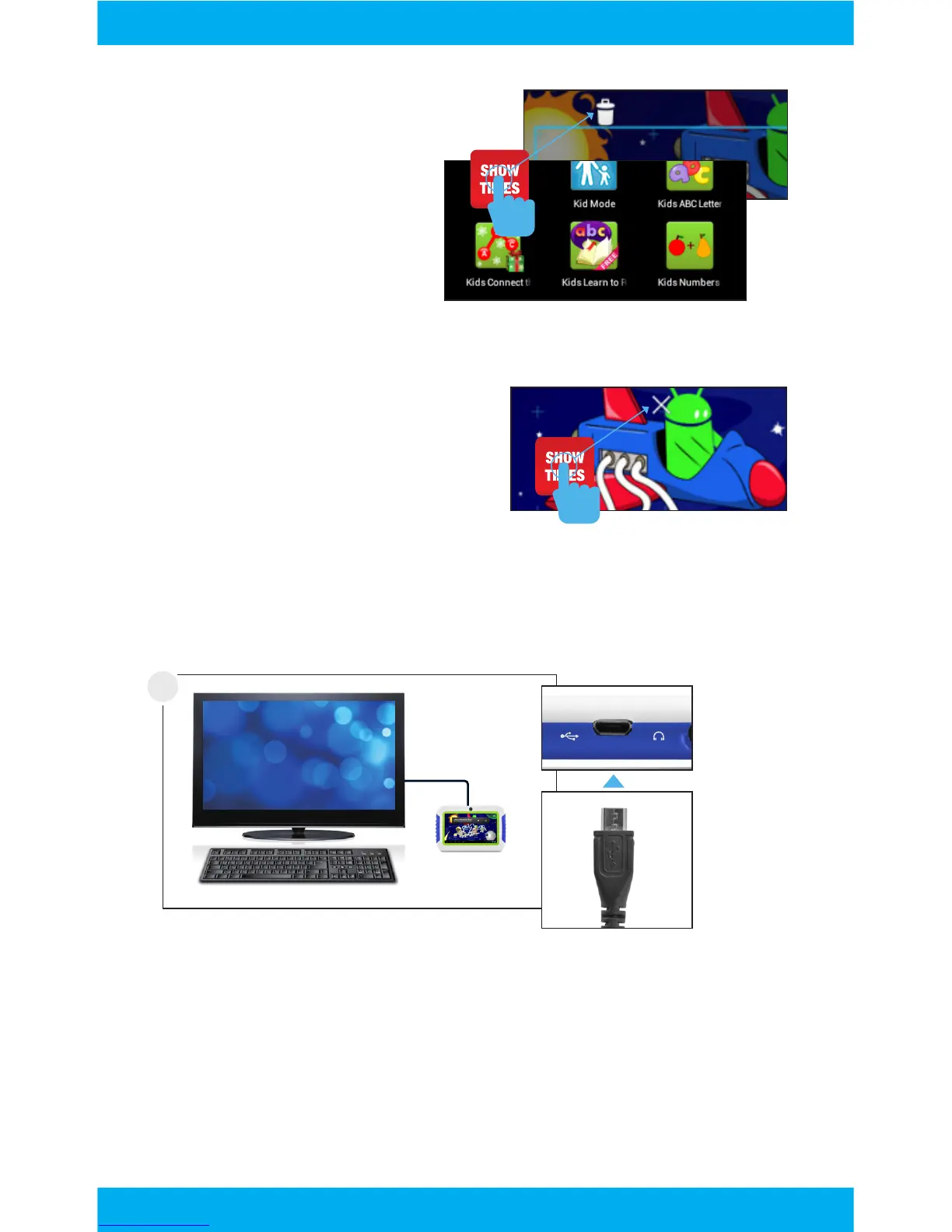
Removing Apps from Home Screen
In parent mode, touch and hold
an app on the home screen
and drag to the X Remove icon.
You must be in parent mode to connect to a computer.
Connect to your computer by USB.
1
Uninstalling Apps
In parent mode, touch
and hold an app in the
app menu and drag to the
trashcan Uninstall icon.
You can also uninstall
apps by tapping apps in
the settings app.
11



 To Next Page