19
Calib Zero.
Once into “Calibration Cl” menu move on “Calib Zero” then press wheel to enter into calibration mode. For a correct
system calibration proceed as follows.
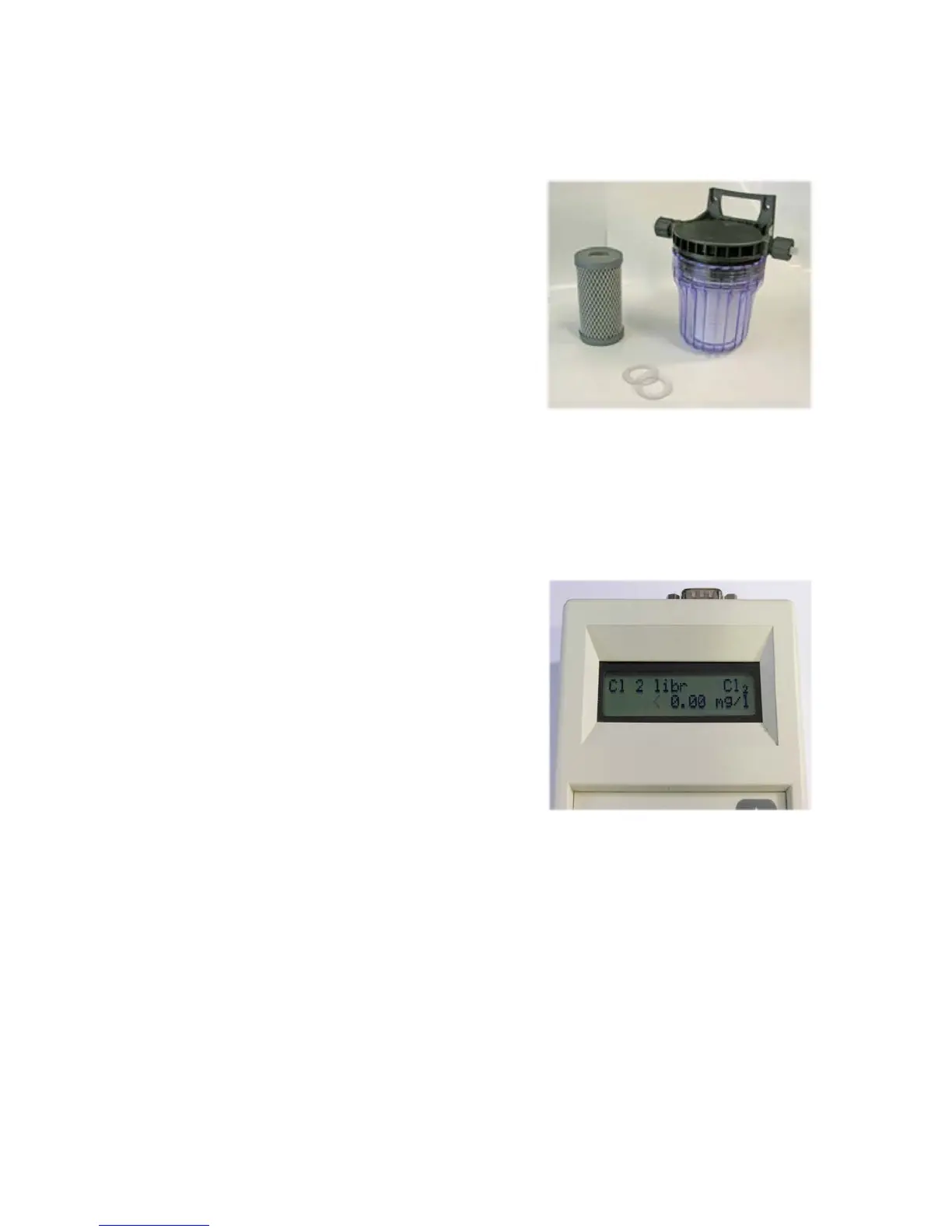
- install an “activated carbon lter” prior to probe’s holder.
- let system water ow into probe holder for about 30 minutes.
- press wheel (cursor must be on “OK”).
- remove “activated carbon lter”.
Calib 2nd point.
Once into “Calibration Cl” menu move on “Calib 2nd Pt” then press wheel to enter into calibration mode. For a correct
system calibration use a Photometer or a DPD device to read chlorine on system. Enter value using the wheel the move
cursor on “OK” then press wheel.
End procedure by moving cursor on “Exit” from “Calibration Cl” main menu and press it. If an error occurred during ca-
libration procedure then the instrument will show an error message and will ask to proceed to a new calibration, cancel
current operation or restore default settings.
Carbon Filter System
Photometer


 To Next Page