38
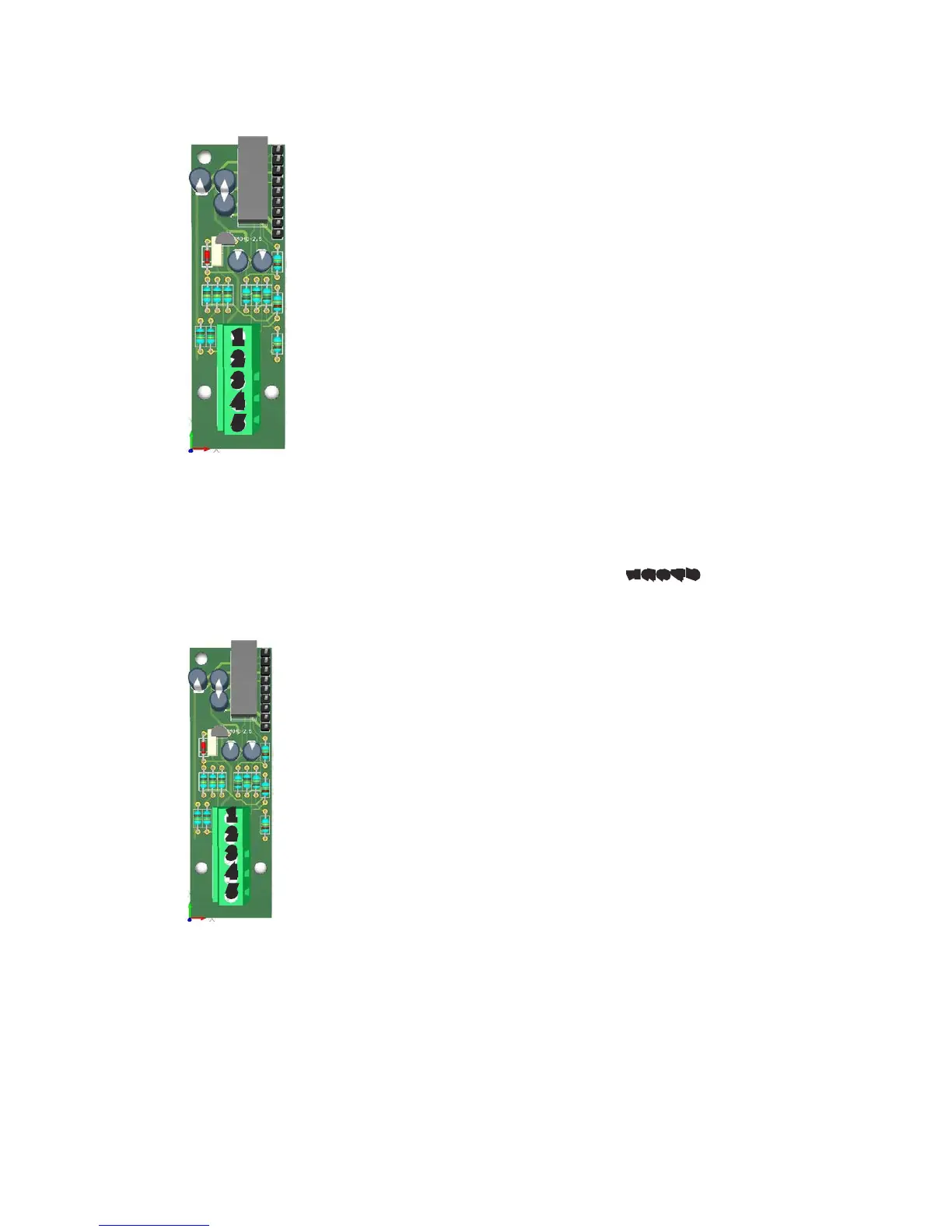
Connect turbidity probe as follow:
mod. ETORBH mod. ETORB40*
1 Green 1 Blue
2 Yellow 2 Brown
3 Black 3 Black
4 White 4 White
5 Brown 5 Green
If ETORBH pobe is supplied with extra cable connect wires as follows:
1 Green
2 Yellow
3 Black+ White
4 Blu
5 Brown+Red
Note: If probe has been purchased with the instrument then is already
congured to work properly on its own channel. Otherwise, you must
assign an ID / CHANNEL to the probe using the OPTIONS menu and
choosing Turbidity INDEX.
*terminals for the ETORB40 are horizontal
MDETORBH
Note: If probe has been purchased with the instrument then is already con-
gured to work properly on its own channel. Otherwise, you must assign
an ID / CHANNEL to the probe using the OPTIONS menu and choosing
EOLUM INDEX.
MDEOLUM
1
2
3
4
5
1
2
3
4
5
TURBIDITY module (ETORBH / ETORB40 probe)
DISSOLVED OXYGEN module (EOLUM probe)
Connect “EOLUM” probe as follow:
1 Pink
2 Blue
3 Brown
4 Grey
5 Yellow
Note: probe has a built in temperature sensor.
If pobe is supplied with extra cable connect wires as follows:
1 Pink
2 White
3 Brown
4 Grey and Black
5 Yellow
Not connected blu wire (shield)
1
2
3
4
5


 To Next Page