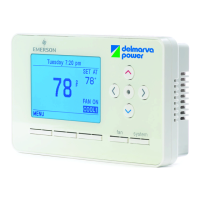
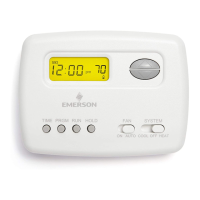
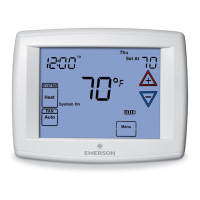
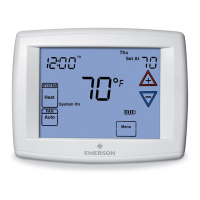
14 Delmarva Power Web-Programmable Thermostat Homeowner’s Manual
DDWTMS1317B—Delmarva Power IT900 Thermostat Manual
(Version 2 Thermostat with New Screen Shots)
Piece: Manual
Quantity: 000,000
Size: sssss
Colors: ccccc
Finishing: ffffffffff
Mail: mmmmmmm
Program Specic Checklist Name: Date:
☐ Phone Number _________ _________
☐ URL _________ _________
☐ Program Details _________ _________
GRAPHIC
DESIGNER
☐ SPELL CHECK
CREATIVE
DIRECTOR
PROOFREADER COPY
SUPERVISOR
COPYWRITER CREATIVE SERVICES
MANAGER
ACCOUNT
MANAGER
DDWTMS1317B
Delmarva Power IT900 Thermostat Manual (Version 2 Thermostat with New Screen Shots)
Job Opened: November 1, 2013
Requested In-Home Date: December 1, 2013
Latest Revision: November 5, 2013
Approved: December 4, 2013
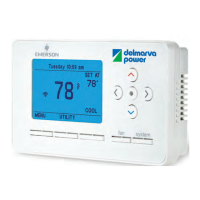
SYSTEM MODE
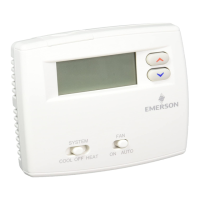
The SYSTEM button selects the system mode of operation — OFF, COOL, or HEAT. If the system is a heat pump,
there is also a selection for AUX to operate the auxiliary heat.
FAN MODE
The FAN button selects whether the fan should:
• Operate constantly to circulate air regardless of the System Mode setting, or call for Heat or Cool. This is
indicated by displaying FAN ON on the display.
• Operate only during a call for Heat or Cool. This is indicated by a lack of FAN ON on the display.
AUX should only be selected if the heat pump cannot supply ample heat in extreme cold conditions or in the
event the heat pump is not operational. Selecting AUX can increase electricity use and costs.
13_DDWTMS1317B_IT900_v2_TSTAT_MANUAL-CFO-120413.indd 14 12/4/13 9:41 AM

 To Next Page
 Loading...