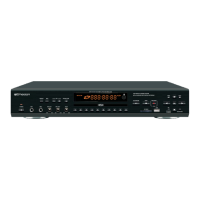
INSERTING USB OR CARD
CONNECTING A TV OR MONITOR TO THE DV-121
VIDEO IN
Make the connections as shown below:
Plug one end of the supplied video cable to Video Out jack on
DV-121 and the other end into your TV or monitor's Video in jack.
Note: A video signal will only be present if you are playing a video included disc
ex) CD+G, MP3+G
REGULAR VIDEO QUALITY
Video Connecting Line(YELLOW)
Due to variances in USB, SD CARD Flash Drive
manufacturing and memory specifications, we can not
guarantee all USB, SD CARD Flash Drive brands will
work with this machine, If problems arise, please try a
different brand USB, SD CARD Flash Drive.
10
CONNECTIONS
MP3G
CD+G/MP3+G/CD/MP3/JPEG/SD/MMC/USB
STOP
RECORDED
PLAYBACK
DISC/SD/USB
DV-121



 To Next Page