EasyManua.ls Logo

Emerson HIGHPOINTE CF205BS01 - User Manual

Emerson HIGHPOINTE CF205BS01
20 pages
Print Icon
To Next Page IconTo Next Page
Loading...
Part No. F40BP73750001 Form No. BP7375-1
U.L. Model No.: CF205
READ AND SAVE THESE INSTRUCTIONS
Net Weight: 22.1 Lbs.
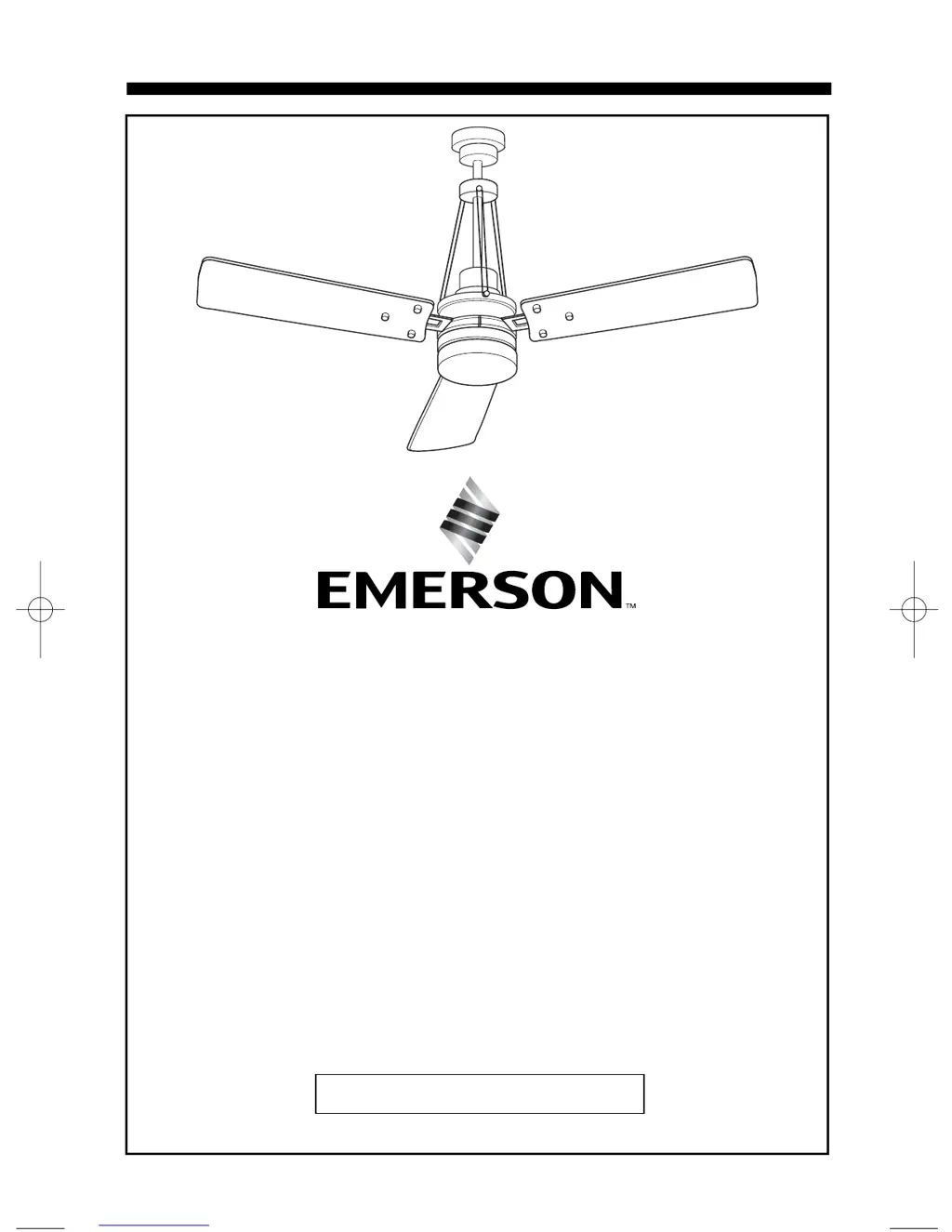
HIGHPOINTE
Ceiling Fan
Owner's Manual
Model Numbers
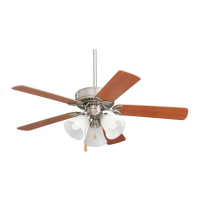
CF205BS01
Brushed Nickel Finish with
Opal Matte Glass and
Dark Mahogany Blades
CF205GES01
Golden Espresso with
Sandstone Glass and
Chocolate Blades
BP7375-1 Highpointe 8/19/10 2:50 PM Page 1

Questions and Answers

  • J
    Jennifer JonesAug 1, 2025
    What to do if my Emerson Fan will not start?
    • B
      Briana NelsonAug 1, 2025
      If your Emerson Fan won't start, there are several potential causes: * A blown fuse or circuit breaker. Check both the main and branch circuit fuses or circuit breakers. * Loose power line connections to the fan, or loose wire connections in the switch housing. Inspect the line power connections to the fan and wiring. * The remote control switch is off. Turn the remote control on. * A defective battery in the remote control transmitter. Verify the battery is functioning correctly; the red indicator light should illuminate when a button is pressed. * Incorrect code switch settings. Ensure that the code switches in both the remote control receiver and transmitter are set to the same positions.
  • A
    amy14Aug 7, 2025
    Why is my Emerson HIGHPOINTE CF205BS01 Fan wobbling excessively?
    • M
      Ms. Leah PattonAug 7, 2025
      If your Emerson Fan is excessively wobbling, it might be due to: * A loose setscrew in the motor coupling. Raise the coupling cover and tighten the setscrew securely. * A loose setscrew in the hanger ball/downrod assembly. Tighten the setscrew. * Loose screws securing the fan blade flanges to the motor. Ensure these screws are tight. * Improperly seated fan blade flanges. Make sure the screws securing the fan blade flanges seat firmly. * A hanger bracket and/or ceiling outlet box that is not securely fastened. Tighten the hanger bracket screws to the outlet box, and/or secure the outlet box. * Fan blades out of balance. Try interchanging an adjacent blade pair to redistribute the weight, or use the supplied balancing kit.
  • I
    ideanAug 14, 2025
    How to fix a noisy Emerson Fan?
    • L
      Lauren RodriguezAug 14, 2025
      If your Emerson Fan sounds noisy, consider the following possible causes: * Blades not attached to fan. Attach blades to fan before operating. * Loose screws securing fan blade flanges to motor. Check that the screws which attach the blade flanges to the motor are tight. * Wire connectors inside switch housing rattling. Check to make sure wire connectors in switch housing are not rattling against each other or against the interior wall of the switch housing. * Loose screws holding blades to flanges. Tighten screws securely. * Loose screws in motor housing. Check to make sure all screws in motor housing are snug (not over-tight).
  • A
    Andrew Lyons MDAug 25, 2025
    How to fix an Emerson HIGHPOINTE CF205BS01 Fan that wobbles a lot?
    • E
      Eric KingAug 26, 2025
      If your Emerson Fan wobbles excessively, here's what you can check: * Ensure the setscrew in the motor coupling is tightened securely. Raise the coupling cover to access it. * Tighten the setscrew in the hanger ball/downrod assembly. * Check the screws securing the fan blade flanges to the motor to ensure they are tight. * Confirm that the fan blade flanges are seated properly and that the securing screws seat firmly. * Tighten the hanger bracket screws to the outlet box and ensure the outlet box is secure. * If the blades are out of balance, try interchanging an adjacent blade pair or use the supplied balancing kit.
  • H
    Howard SandersSep 10, 2025
    Why is my Emerson Fan so noisy?
    • T
      tammyreyesSep 12, 2025
      If your Emerson Fan is making noise, consider these potential causes: 1. Blades might not be attached to the fan. Ensure blades are attached before operating. 2. Screws securing the fan blade flanges to the motor might be loose. Check and tighten these screws. 3. Wire connectors inside the switch housing might be rattling. Make sure they are not rattling against each other or the housing's interior wall. 4. Screws holding the blades to the flanges might be loose. Tighten them securely. 5. Screws in the motor housing might be loose. Check and snug them, but avoid over-tightening.

Summary

Safety Instructions

General Safety Precautions

Essential safety rules for operating and servicing the ceiling fan.

Installation Safety Guidelines

Critical safety instructions for fan installation, covering electrical and mounting aspects.

Getting Started with Your Fan

Tools and Materials Required

Lists all necessary tools and materials for assembling and installing the fan.

Unpacking and Parts Inventory

Guide to unpacking the fan and verifying all components are present before assembly.

Fan Assembly and Electrical Setup

Electrical Requirements and Preparation

Outlines the electrical supply needs and initial setup for the ceiling fan.

Fan Assembly: Blade Attachment

Fan Assembly: Downrod and Hanger Ball

Fan Assembly: Rod Support and Decorative Rods

Ceiling Fan Installation: Hanging the Unit

Ceiling Fan Wiring: Mounting Bracket and Receiver

Ceiling Fan Wiring: Electrical Connections

Finalizing Fan Installation: Cover and Lights

Light Kit Disassembly Procedure

Remote Control: Battery Installation and Usage

Remote Control: Setup and Operation

Maintenance and Remote Troubleshooting

Routine Maintenance and Cleaning

Recommendations for periodic cleaning and basic maintenance of the ceiling fan.

Remote Control Issues and Solutions

Common problems with the remote control and suggested troubleshooting steps.

Fan Troubleshooting Guide

Ordering Replacement Parts

Limited Warranty Information

Emerson HIGHPOINTE CF205BS01 Specifications

General IconGeneral
BrandEmerson
ModelHIGHPOINTE CF205BS01
CategoryFan
LanguageEnglish

Related product manuals