Procedure
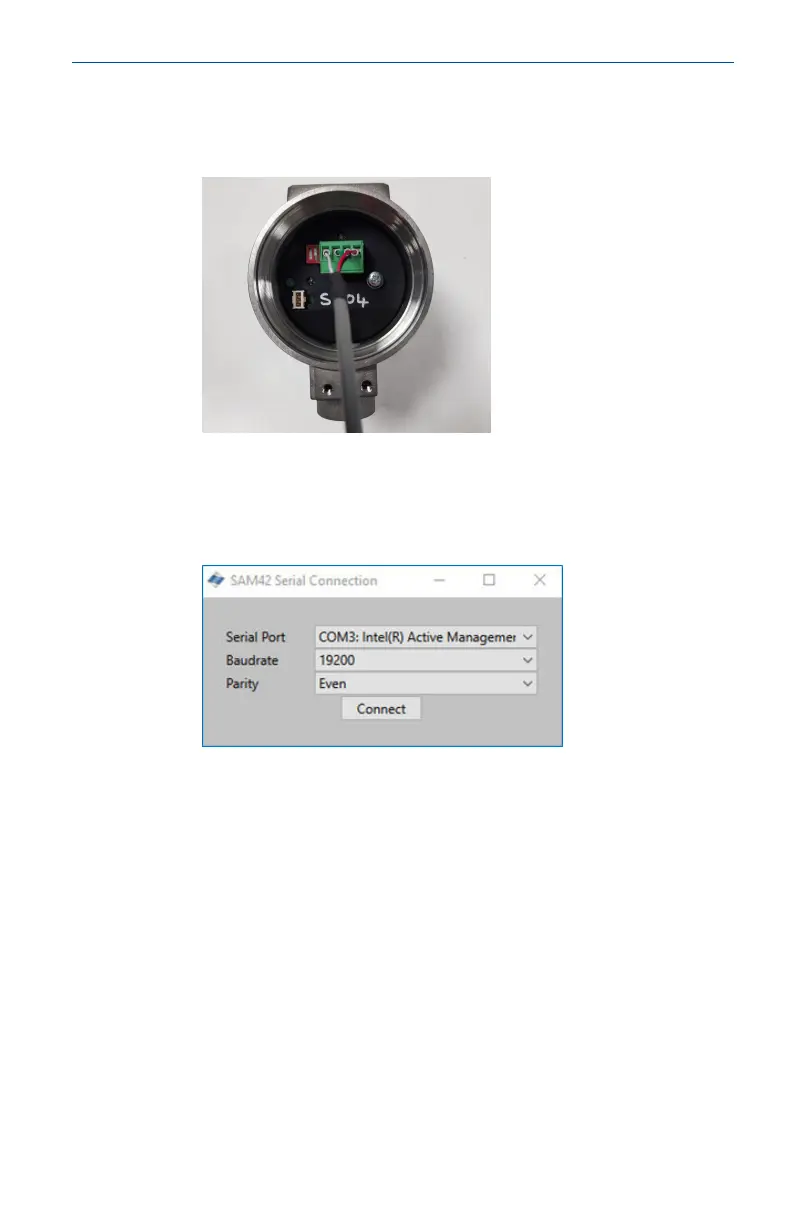
1. Remove the lid of the SAM42 Acoustic Particle Monitor and
connect the configuration cable to the socket of the device.
2. Connect the configuration cable to the tablet or PC which will
be running the commissioning application.
3. Open the commissioning application.
The window below will appear:
a. Select the correct serial port (which can be found in
device manager).
b. Baud rate needs to remain at 19200.
c. Parity needs to remain Even.
d. Press Connect.
May2024 Quick Start Guide
Quick Start Guide 11













 To Next Page