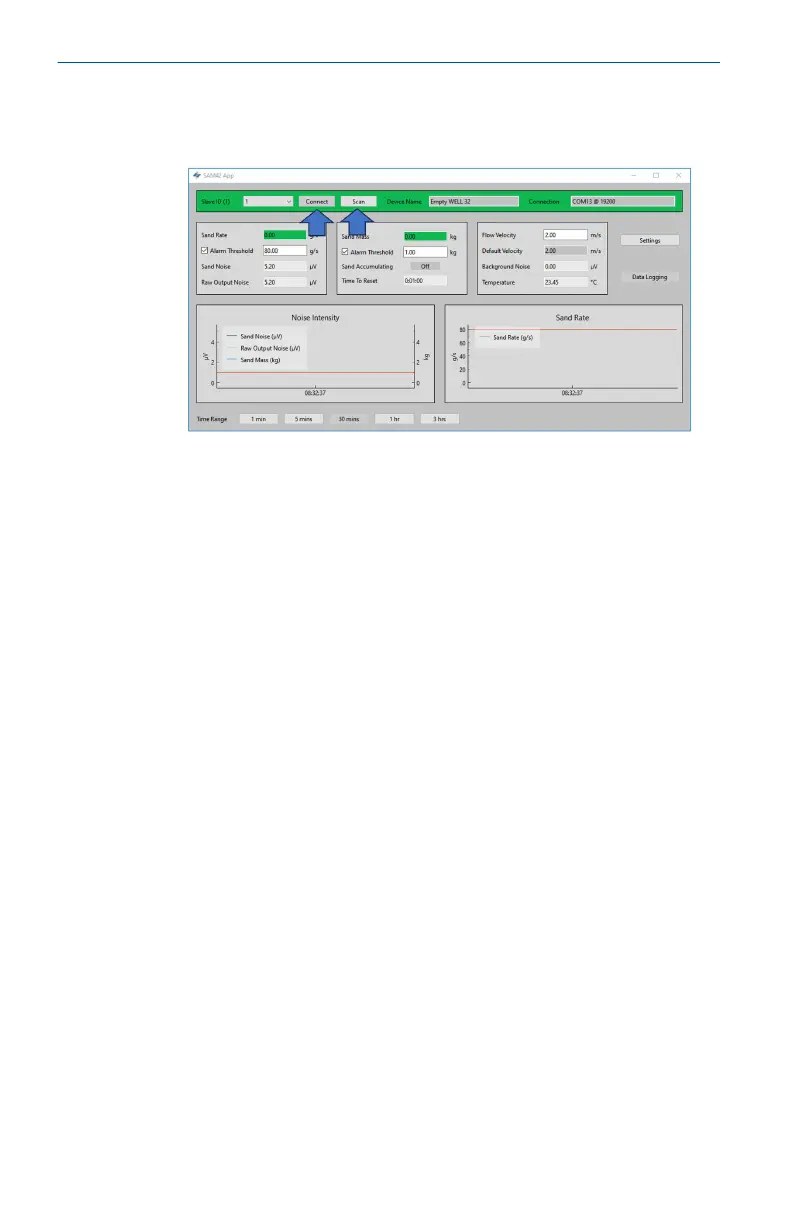
6. In returning to the home screen, connection to the device will
be lost. Follow the steps below to reestablish communication
with the device.
a. Press the Scan button, then the application will look for
all available ID’s.
b. Using the ID dropdown list, select the ID previously
created.
c. Press the Connect button to reestablish communication
with the device.
Quick Start Guide May2024
14 Emerson.com/Rosemount













 To Next Page