4.0 Connecting the EM4596 to your
modem/router
There are three different ways to connect your EM4596 to your modem/router.
4.1 Configure the wireless repeater using the WPS button
1. Please check if your wireless modem/router has a WPS button. Also check
whether your wireless router has a properly configured internet connection.
2. Connect the EM4596 to a wall outlet. Please place the EM4596 close to the
modem/router during setup.
3. Wait for the LED to turn green (flashing). This will take approx.. 1 minute.
4. Press the WPS button on your wireless router for approximately 3 seconds*.
*Refer to the manual of your wireless router for the exact duration of pressing the
WPS button. This can differ from brand or model.
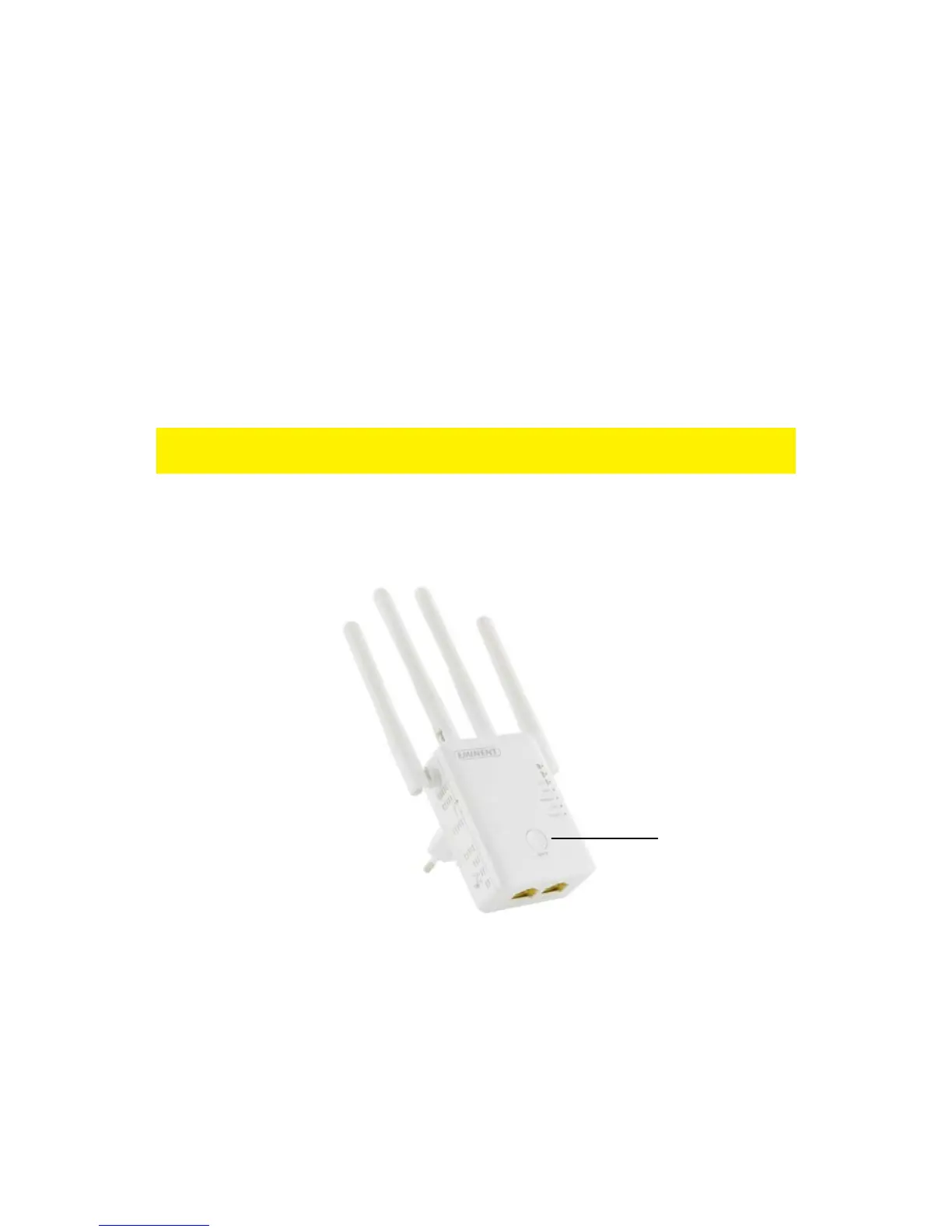
5. Now press the WPS button on the EM4596 Wireless Repeater for approximately 5
seconds. Refer to the following image for the WPS button:



 To Next Page