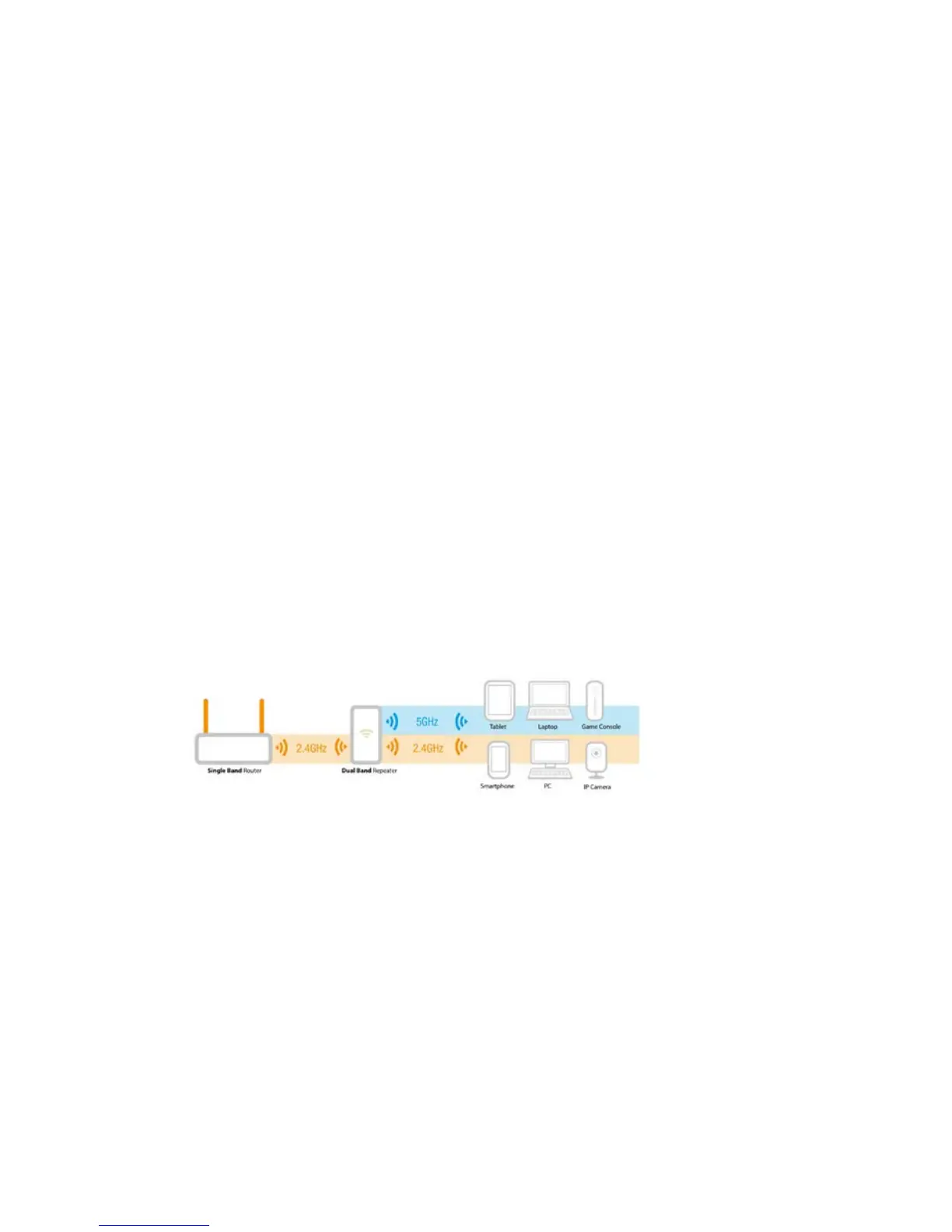
3.0 Dual Band explanation.
In chapter 3.1 to 3.4 we will explain the different kinds of setups you can configure
with the EM4596, so you will be able to determine what setup will fit best to your
situation.
Comparison of the 2 Wi-Fi bands.
• 2.4GHz
+ best coverage
- more interference with other wireless devices
- lower bandwidth.
• 5GHz
- lower coverage
+ less interference with other wireless devices
+ higher bandwidth.
3.1 Connect the EM4596 to your single-band Wi-Fi
network and upgrade to a Dual Band Wi-Fi network.
If you do not have a Dual Band modem/router you can upgrade your Wi-Fi network by
using the EM4596 to create a Dual Band Wi-Fi network. The EM4596 will be
connected to your existing 2.4GHz Wi-Fi connection and will repeat this connection
into a Dual Band connection.
3.2 Connect the EM4596 to a Dual Band Wi-Fi network.
If you have a Dual Band modem/router there are a few factors to consider to fit your
situation best.
First check which Wi-Fi connection has the best performance in signal strength and
connection speed. 2.4GHz band has the best coverage but also has the most
interference with other Wireless devices. The 5GHz band has a lower coverage but
less interference with other wireless devices and a higher bandwidth.
To get the best performance we advise to connect the EM4596 to the 5GHz band of
the modem/router.



 To Next Page