6.0 Changing the wireless network name
(SSID) of the repeater.
After you setup the repeater to connect to your home network, the repeater will
receive an IP address from your router. You can access the repeaters menu by fill in
the repeaters ip address, that has been obtained by your router, into your internet
browser. In below picture is shown how you can find your new repeaters IP address
for Windows, Android and IOS.
6.1 Find your repeaters IP address
Windows:
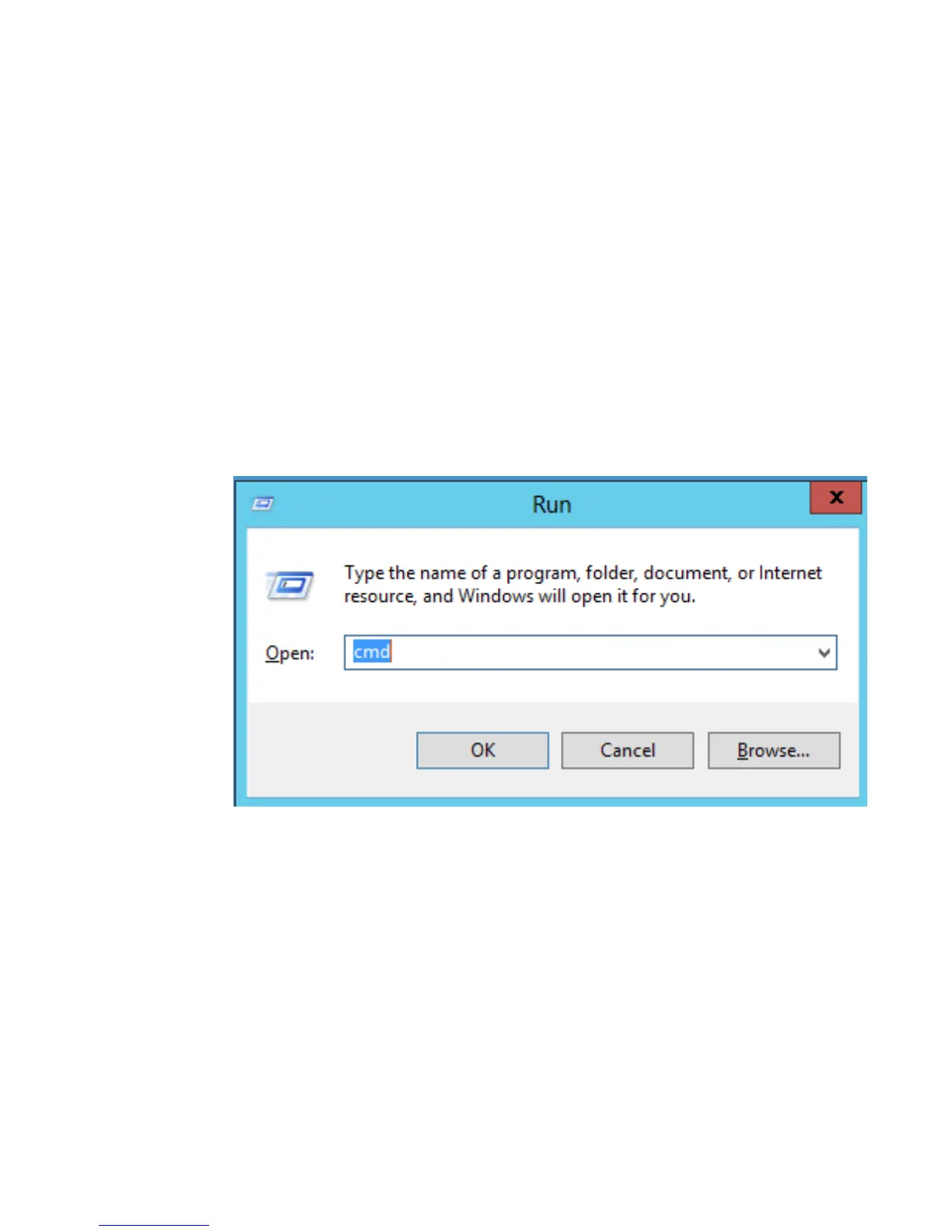
1. For Windows Vista and 7, click on “Start” button, type “cmd” and press
“Enter”. For windows 8 and 10, right click on “Start” button and select “Run”
2.
Type “cmd” and press “Enter”. The following screen appears:



 To Next Page