Note: Some wireless WPS adapters require the use of the supplied software to create
a WPS connection. Refer to the manual of your wireless WPS adapter for more
information.
Note: If you use the WPS button the devices will negotiate the Wireless settings you
will not be able to determine what frequency the devices will use. If you wish to
determine the frequency band you will need to setup the EM4596 manually using a
web browser.
5.2 Using the WPS feature from the web browser
1. Connect to the EM4596 via Wi-Fi SSID or use the Ethernet cable to connect to the
EM4596 directly.
2. Open your internet browser and type http://192.168.10.1 in your internet browser
and then hit Enter.
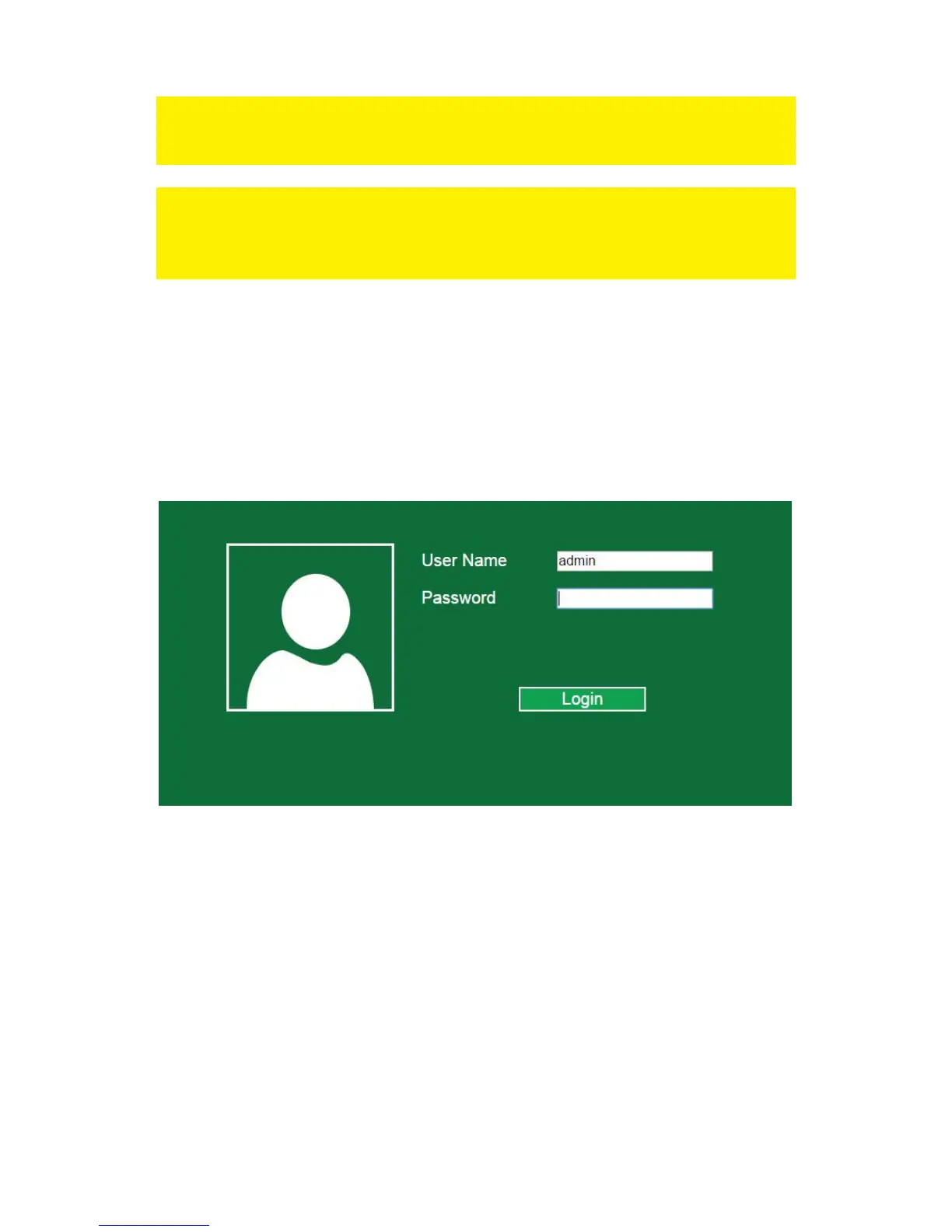
3. The login screen will appear. Enter the Username: “admin” and Password:
“admin”, then click “Login” to login.



 To Next Page