6. The connection between your wireless router and the EM4596 wireless repeater
will be established automatically. This will take approx. 1 minute including reboot.
Note: If a modem/router is sending out SSIDs on both 2.4GHz and 5GHz bands at the
same time, priority of connection depends on which frequency will be found first. If you
prefer to manually choose the corresponding frequency to make a WPS connection
between the modem/router and the EM4596 then please connect to the Wi-Fi network
using the WebGUI. See chapter 5.2
Note: If the WPS button is used, the SSID and network key and frequencies are the
same as used on your wireless router. Some WPS routers will change their original
SSID to another SSID if WPS is used. In this installation guide, the SSID of the
wireless router is ‘Eminent Test 1’.After using WPS button the SSID will automatically
change to SSID + (2.4GHz/5GHz) + (R).
If you wish to use different settings from your modem/router you will need to setup the
EM4596 manually using a web browser.
4.2 Manual configuration using encryption key
1. Connect the EM4596 to a wall outlet (preferably close to the modem/router).
2. Wait for the signal indicator to flash green. This will take approximately 1 minute.
3. Connect to the EM4596 via Wi-Fi SSID: Eminent_repeater or
Eminent_repeater(5G), or use the Ethernet cable to connect directly from your
PC LAN port to the EM4596 “LAN” port
4. Open your internet browser and type http://192.168.10.1 in your internet browser
and then hit Enter.
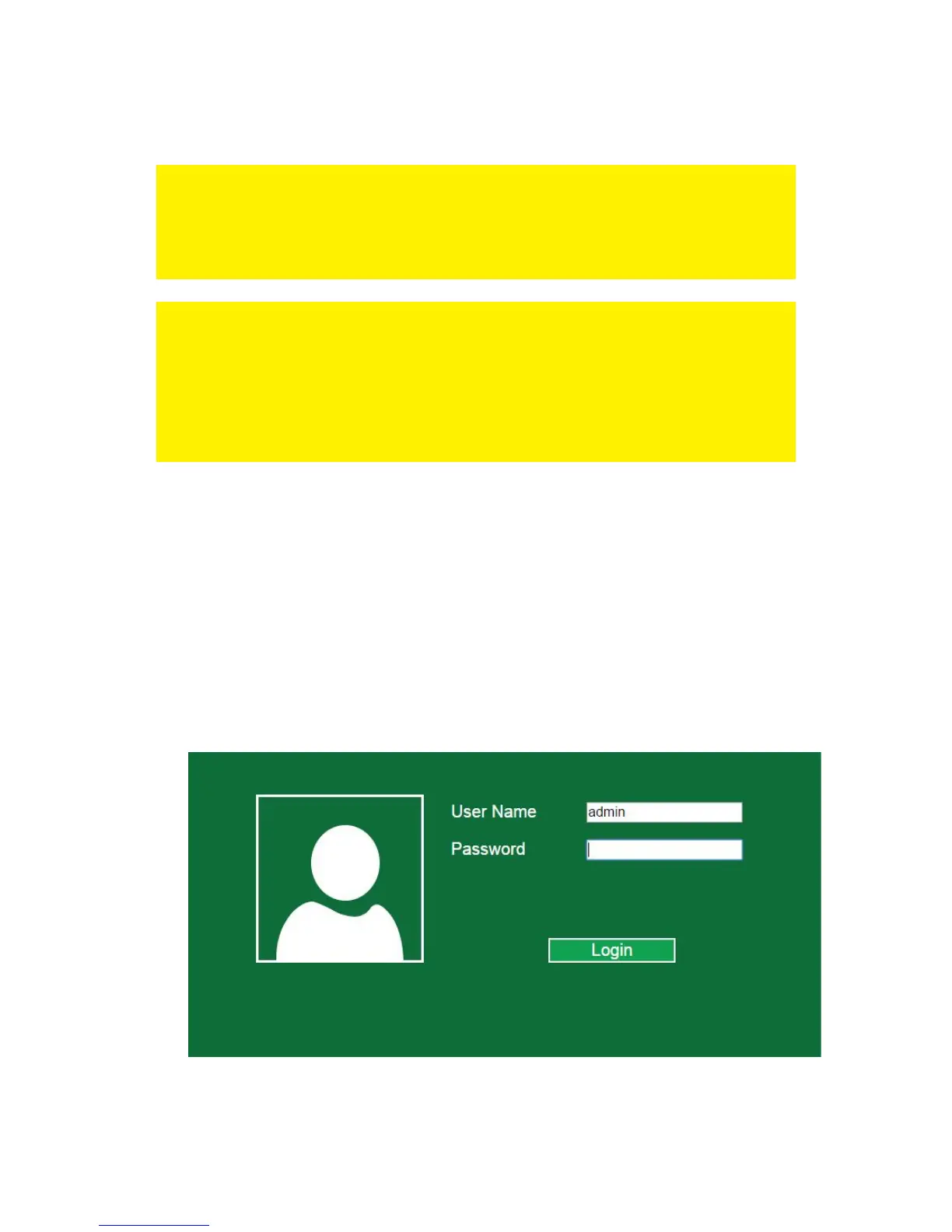
5. The login screen will appear. Enter the Username: “admin” and Password:
“admin”, then click “Login” to login.



 To Next Page