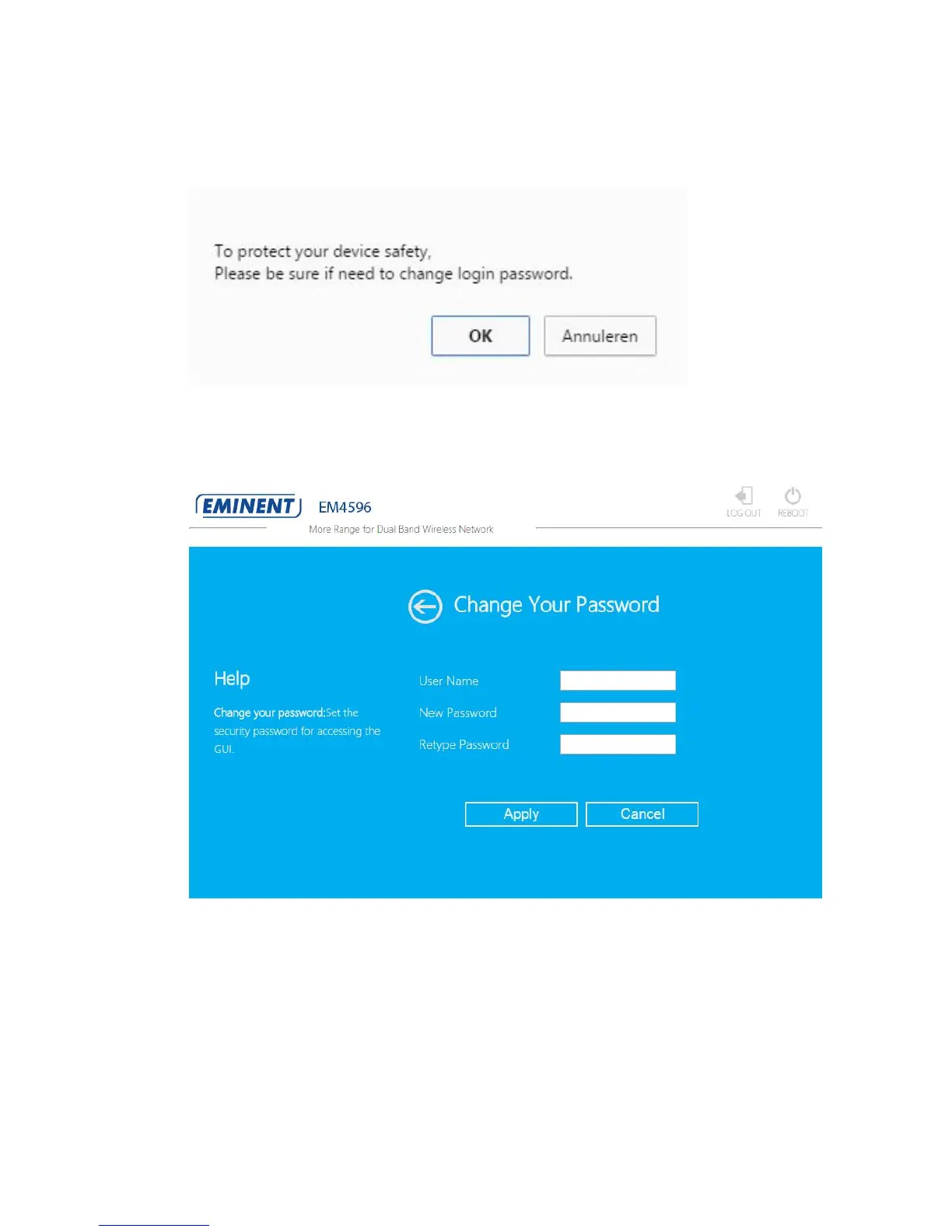
6. The first time you login, you will be asked if you want to change your login
password.
7. If you would like to change your login password, click on “OK”. The following
screen appears:
8. Enter your desired Username and Password. Enter your new password again in
the Retype Password field. Click on “Apply”. The repeater will redirect you to the
login screen. Login in with your new username and password.
9. In the next step you will need to enter the WEP or WPA Passphrase of the Wi-Fi
network you wish to connect to.



 To Next Page