
 To Next Page
R
RobAug 30, 2026
when i turn off the amp, i get a squeeking sound from my speakers

when i turn off the amp, i get a squeeking sound from my speakers
Explains the difference between peak and continuous power ratings.
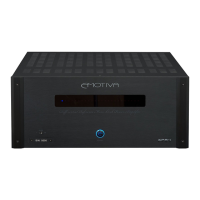
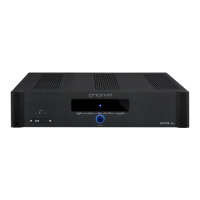
Describes the function of the status indicator LEDs on the front panel.
Explains the operation of the power switch located on the front panel.
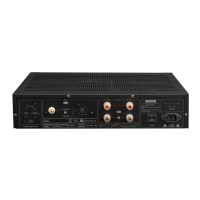
Connects speakers to the amplifier outputs.
Ports for connecting audio sources like preamplifiers.
Controls for indicators, system triggering, and input selection.
Connections and indicators for power supply.
Advice on electrical power requirements and outlet usage.
Recommendations for optimal placement and ventilation for heat dissipation.
Guidelines for selecting and connecting audio input cables.
Guidelines for connecting speakers to the amplifier.
Advice for achieving the best audio performance through proper connections.
Explains how to connect speakers in a series configuration.
Explains how to connect speakers in a parallel configuration.
Important considerations for connecting multiple speakers.
Addresses issues related to bass response from main speakers.
Solutions for unwanted pops during power cycling.
Troubleshooting steps to eliminate audible hum in speaker output.
Explores additional sources of unwanted noise in the audio system.
Interprets blinking red lights as fault indicators and their causes.
Guidance for complex issues affecting the entire audio/video system.
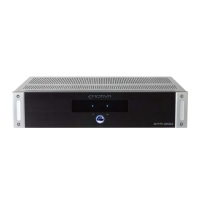
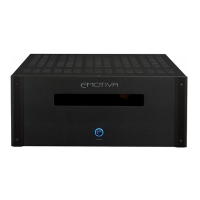
Specific technical details for the Emotiva XPA-1 amplifier.
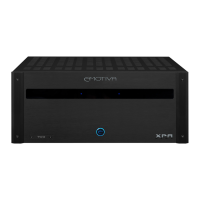
Specific technical details for the Emotiva XPA-2 amplifier.
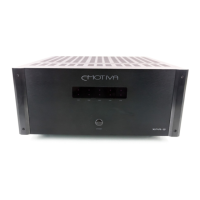
Specific technical details for the Emotiva XPA-3 amplifier.
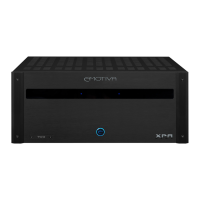
Specific technical details for the Emotiva XPA-5 amplifier.
 General
| Channels | 5 |
|---|---|
| THD+N | < 0.1% |
| Gain | 29 dB |
| Damping Factor | > 500 |
| Power Output (8 Ohms) | 200 Watts RMS per channel |
| Power Output (4 Ohms) | 300 Watts RMS per channel |
| Frequency Response | 20Hz - 20kHz (+/- 0.1dB) |
| Input Sensitivity | 1.5V |
| Input Impedance | 33k Ohms |
| Power Consumption | 1200W |