Need help?
Do you have a question about the Emotiva XPR-2 and is the answer not in the manual?
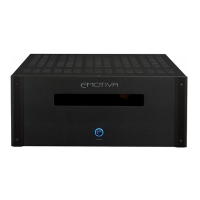
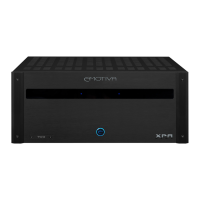
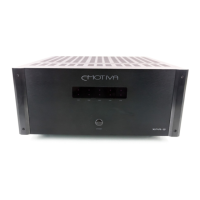
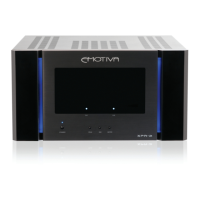
Each channel has a Channel Status LED and a blue LED Bargraph Meter.
Switches the amplifier On/Off. LED indicates Standby (red), On (blue), or Fault (blinking red).
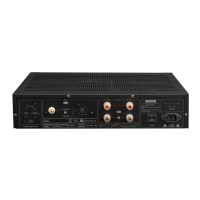
Heavy duty, gold plated, five-way binding posts for connecting speaker cables.
Controls amplifier power via trigger signal and outputs a 12 VDC signal.
Details on the XPR-2's automatic detection and operation with 115 VAC or 230 VAC.
Specifies the power output in watts per channel into 8 and 4 Ohms.
No sound or lights indicate a power issue; check AC power, switch, and cord.
Blue LEDs with no sound/distorted sound suggest source or speaker connection issues.
Covers defects in materials and workmanship for five years from original retail purchase.
Excludes damage from misuse, unauthorized service, accidents, modifications, or removed serial numbers.

 To Next Page
 General