27
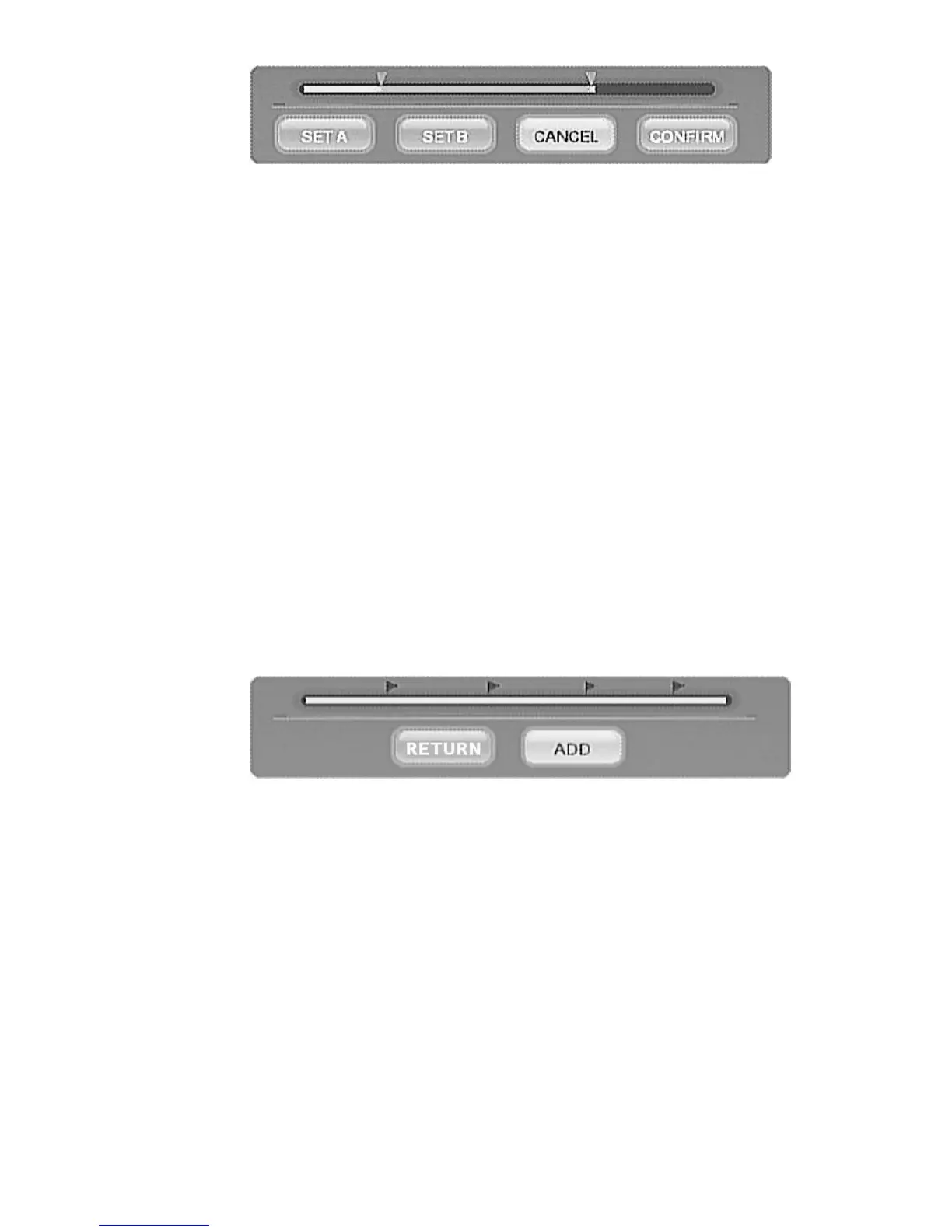
Figure AB Erase
toolbox
2.
Split Title
Select a point in the video and split the video into two video titles.
Use
PLAY CONTROL
keys to browse video. Select
CONFIRM
icon
and press ENTER key to split the video from the point displayed.
3. Merge Title
Merge the select video and the following video into a new video title.
4. Add Chapter Mark
You may add more Chapter Mark in the select video. Use PLAY
CONTROL
keys to browse video. Select
ADD
icon and press
ENTER key to add the mark. A red
f
mark will be added in the tool
bar.
Figure Add chapter Mark
tool bar
5.
Remove Chapter Mark
You can delete Chapter Mark of the select video. Play the video,
passing to a
Chapter Mark
, the mark will be shown in
bright red
.
Select the
DELETE
icon in the tool bar and press
ENTER
key to
delete the mark.
6.
Copy to FAT32 partition
ME1 stores the recorded video clips in a special partition of the HDD



 To Next Page