36
Select an aspect ratio setting to match the connected TV or monitor.
a. Pan Scan 4:3
If your TV or monitor is 4:3 screen, you can select either Pan Scan
4:3
or
Letter Box 4:3
setting.
With Pan Scan 4:3 setting, ME1 crops both side of wired screen video
to fit the 4:3 screen.
b. Letter Box 4:3
ME1 places black bars at the top and bottom of the screen. Wide
screen video will fit the width of the 4:3 display.
c. 16:9
Select 16:9, if your TV or monitor is 16:9 wide screen.
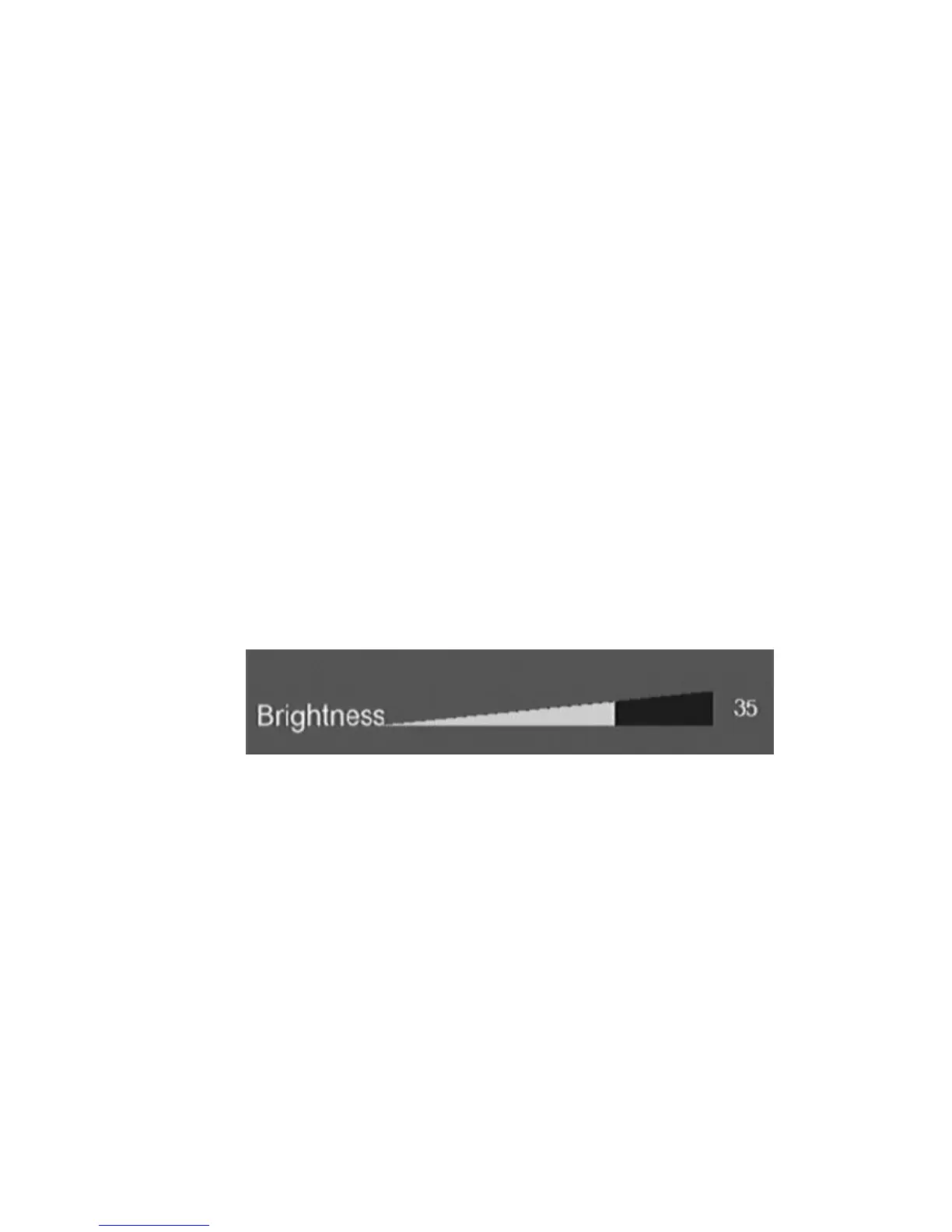
2. Brightness
Adjust the brightness of the output video. Press
g
,
h
key to adjust and
press
ENTER
key to confirm.
Figure Brightness adjusting
3. Contrast
Adjust the contrast of the output video. Press
g
,
h
key to adjust and press
ENTER
key to confirm.
4. Video System
Display the resolution in use. This item can not be changed.
5. DIVX
Display the DIVX registration code.



 To Next Page